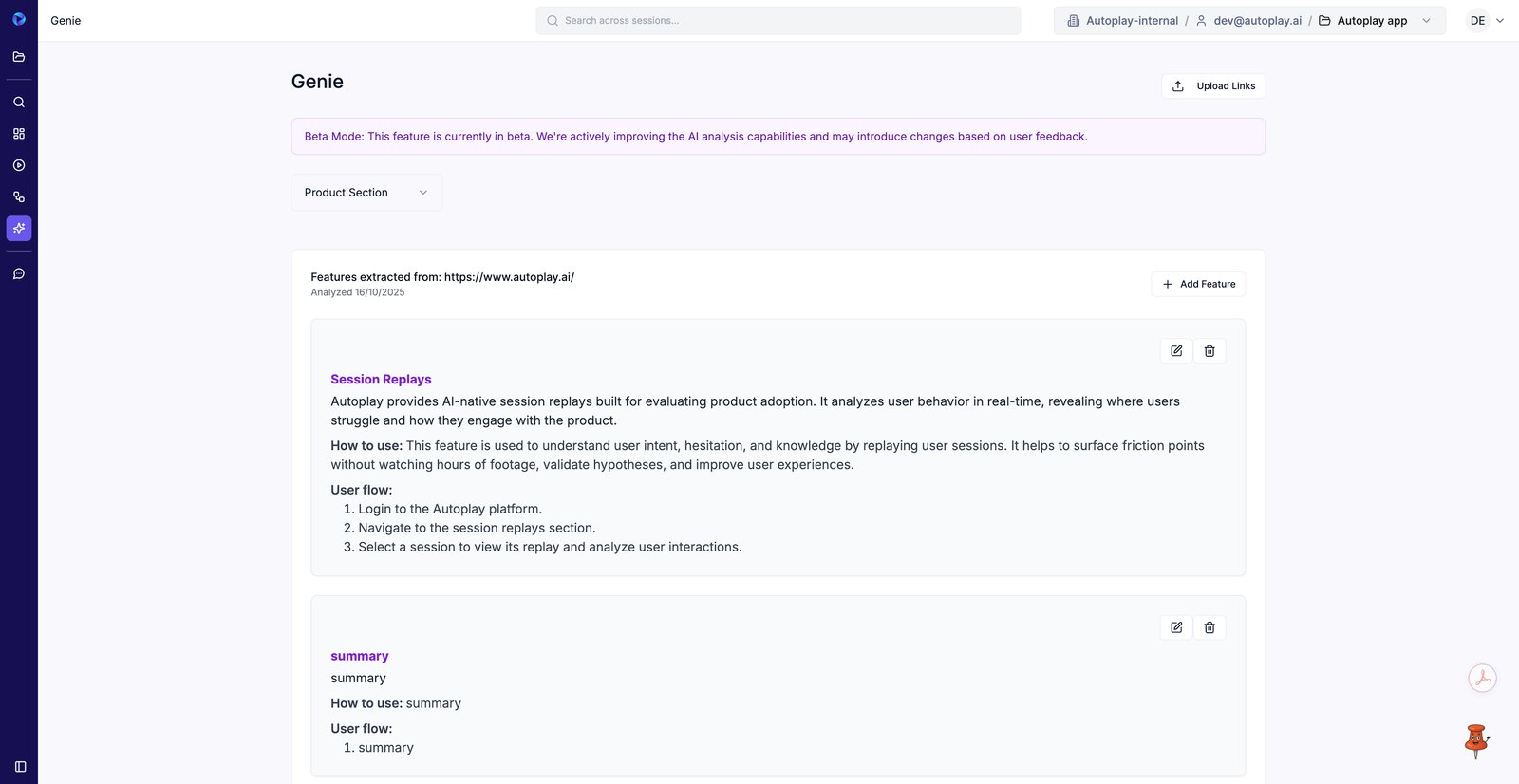
Review Genie analysis and manage extracted product features
1. Open Genie from the sidebar to review AI-extracted product features.
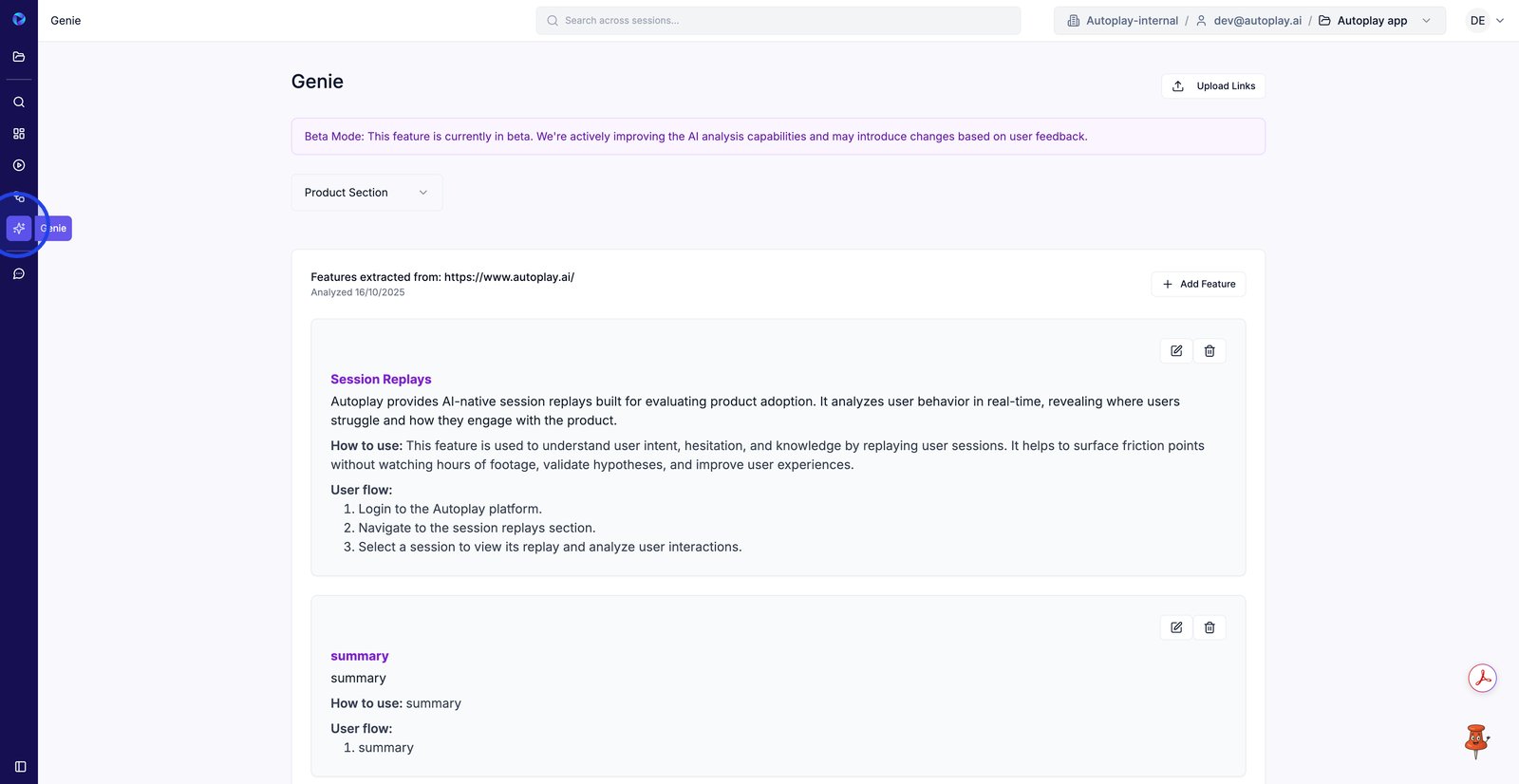
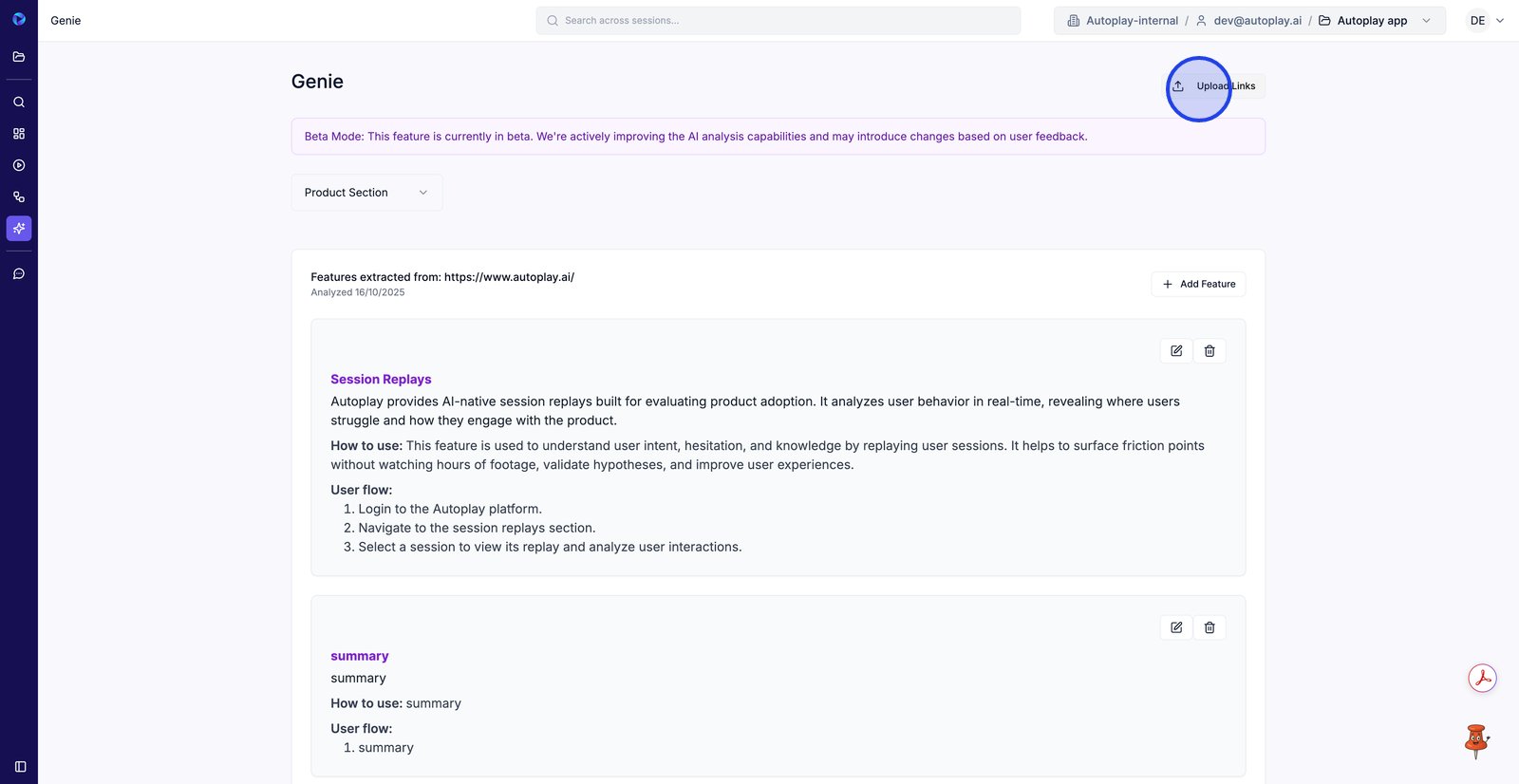
2. Click Upload Links to add URLs for Genie to analyze and extract features from.
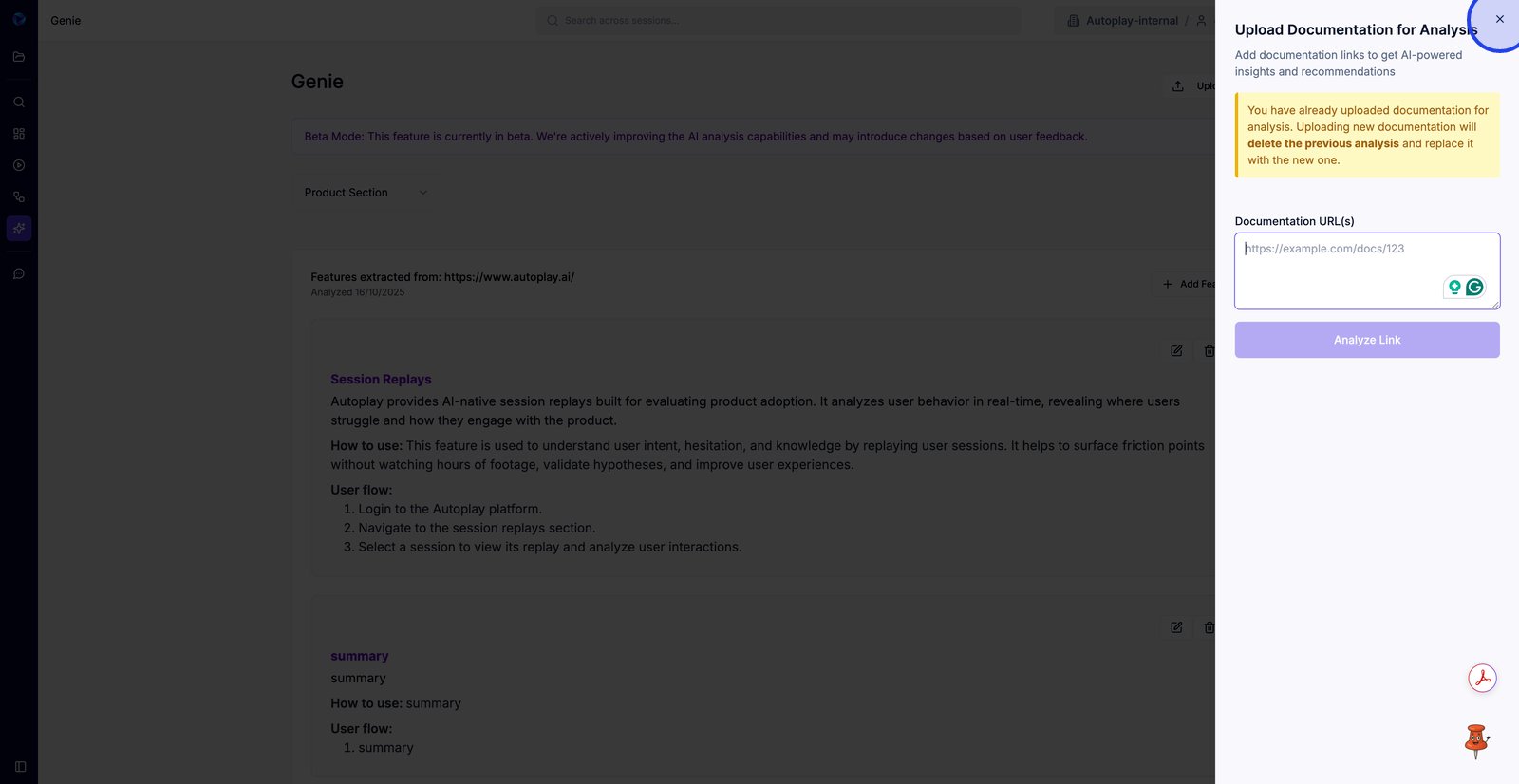
3. Paste your documentation URL(s) here so Genie knows what to analyze.
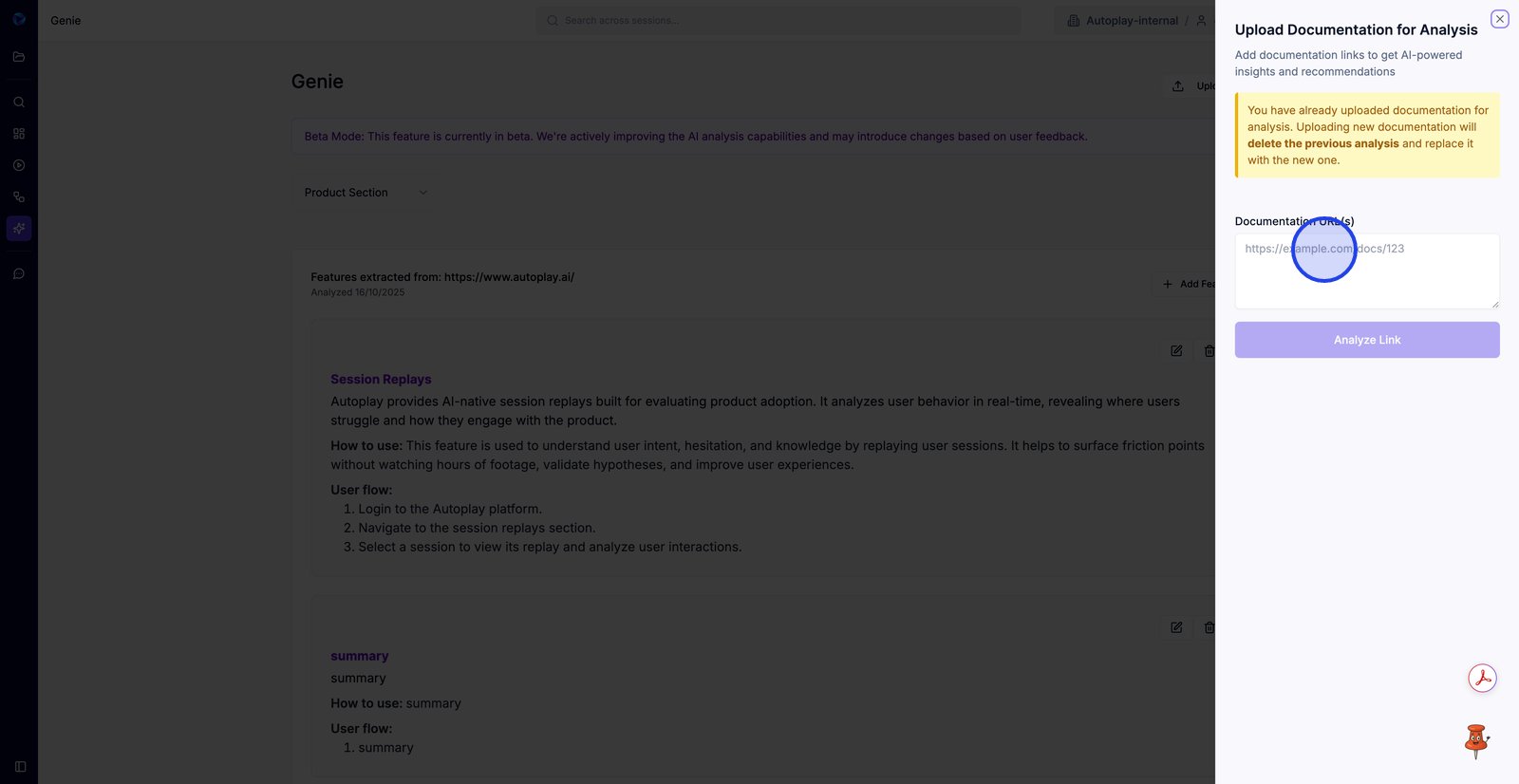
4. Close the upload panel to return to the extracted features list without replacing the current analysis.
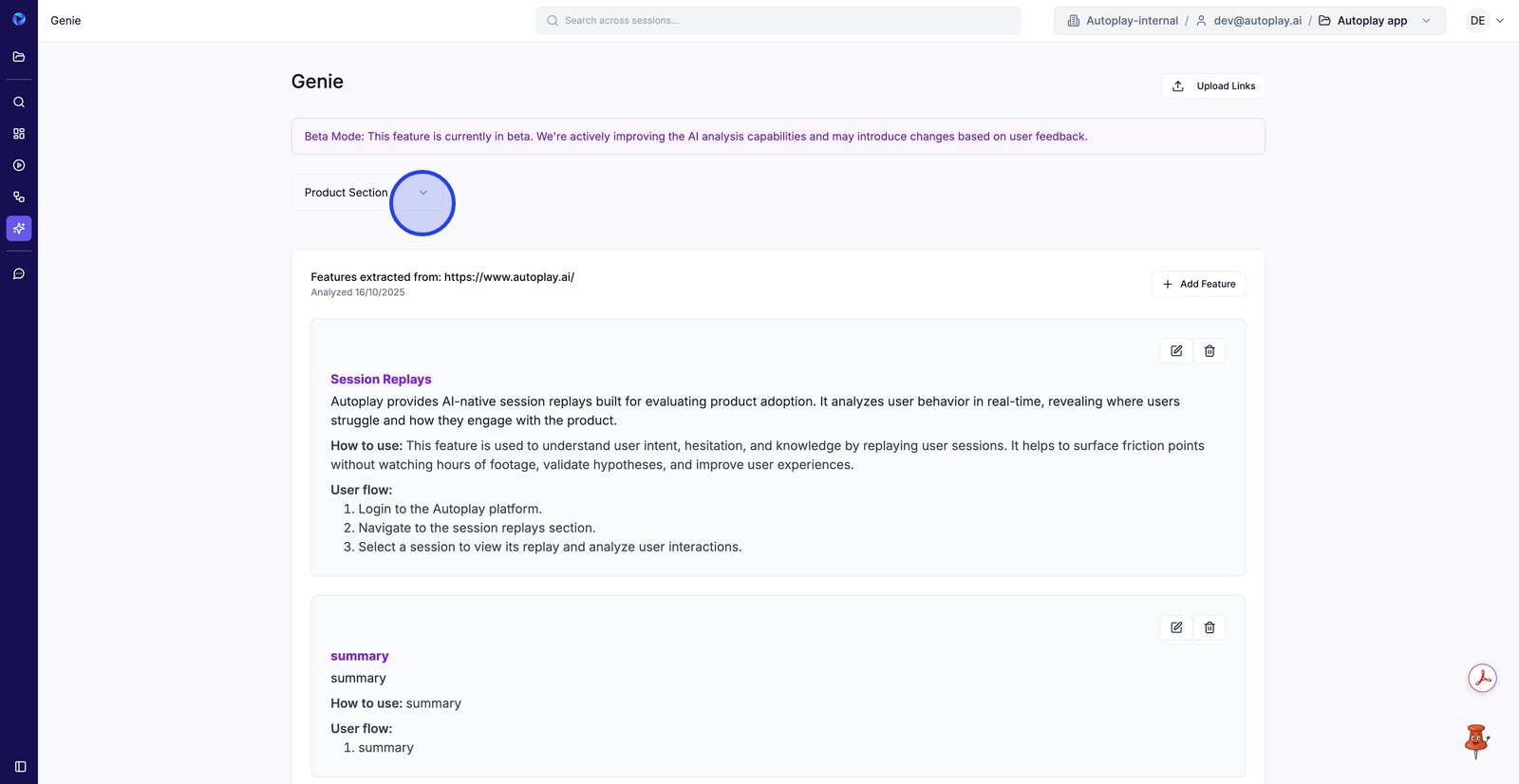
5. Use the Product Section dropdown to switch which set of extracted features you’re managing.
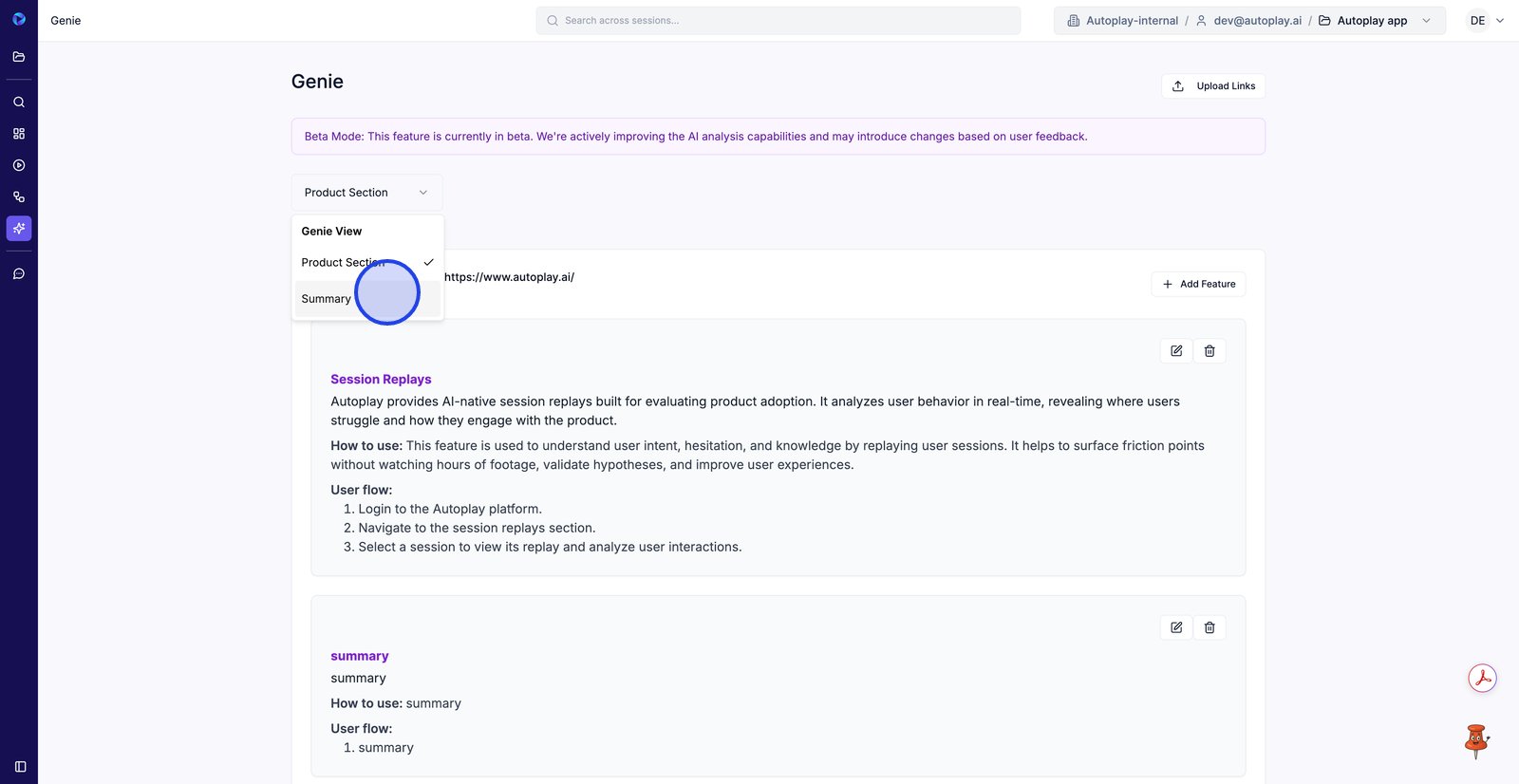
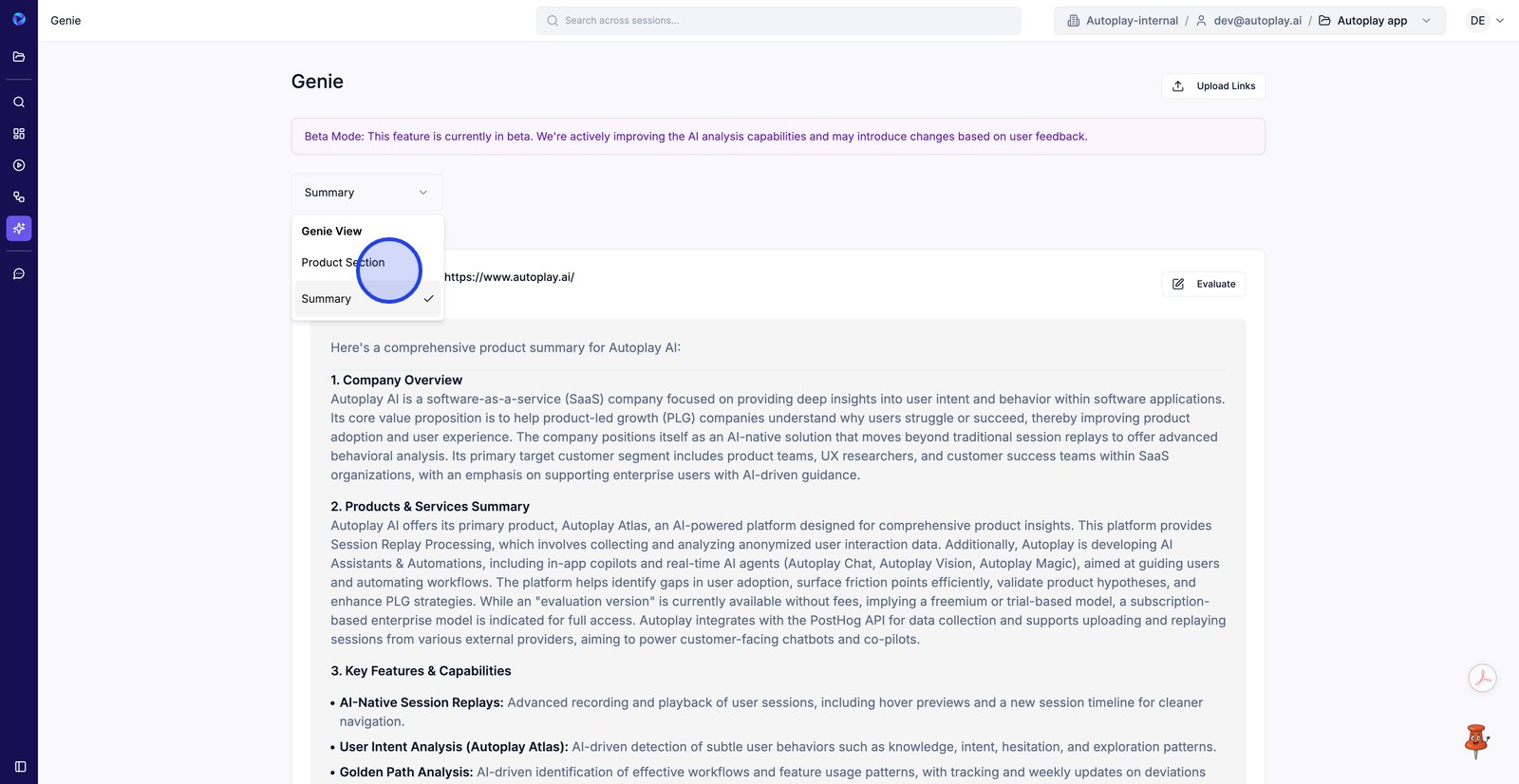
6. Select Summary to view Genie’s high-level output instead of individual feature entries.
7. Open the Summary view selector to change what type of Genie analysis you’re reviewing.
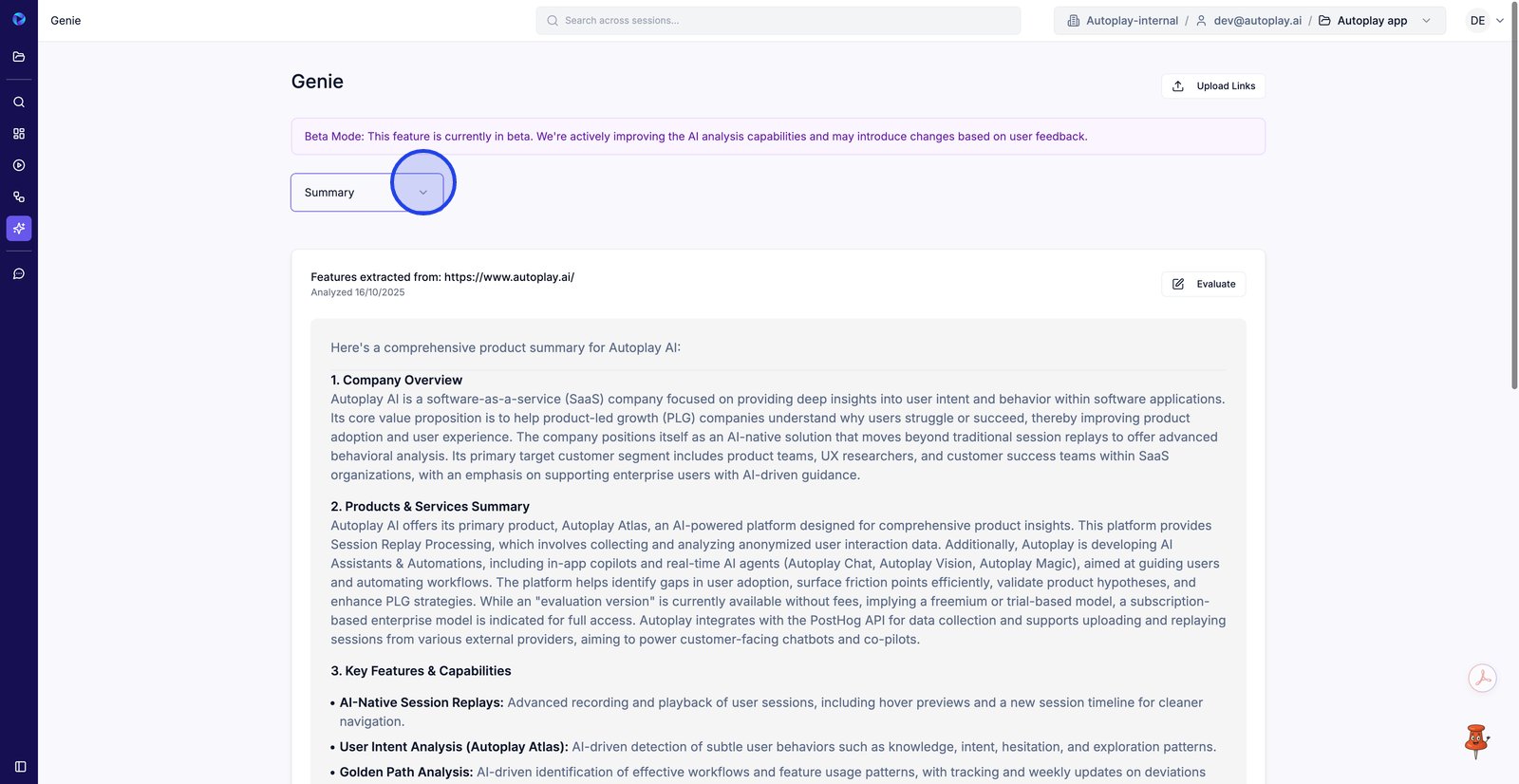
8. Switch back to Product Section to edit and manage the feature-level breakdown.
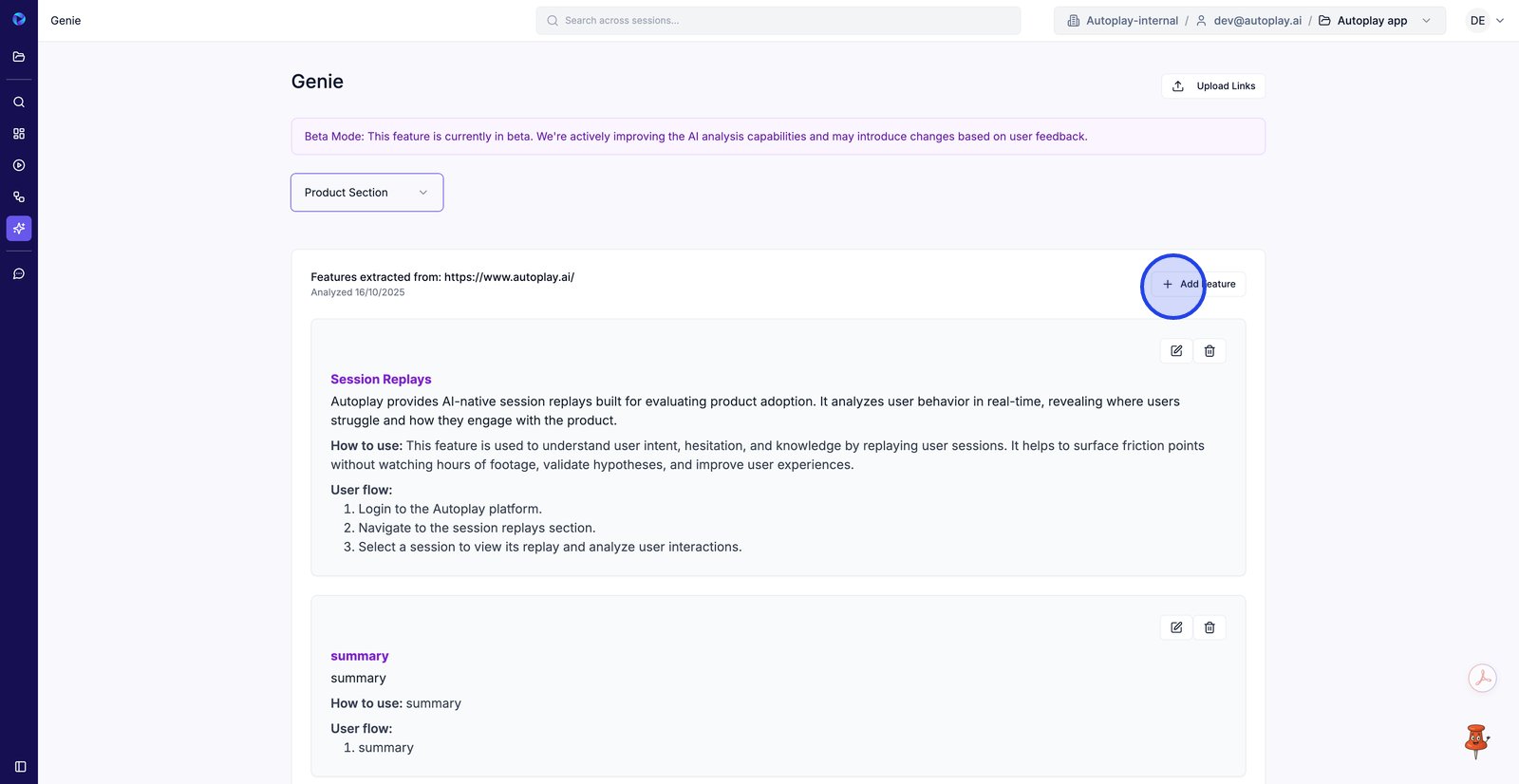
9. Click Add Feature to create a new feature card alongside the extracted ones.
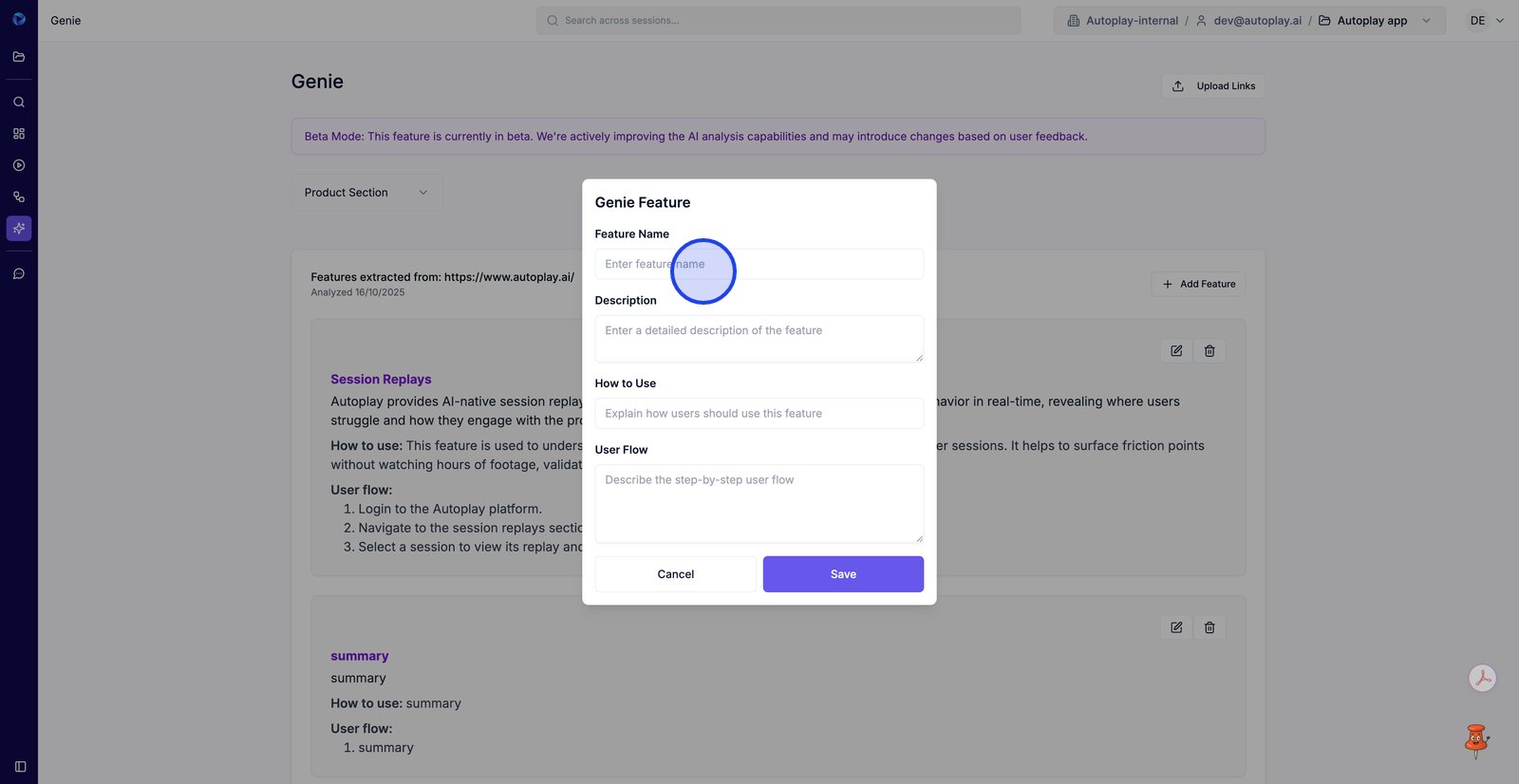
10. Enter a clear Feature Name so the capability is easy to find and reference later.
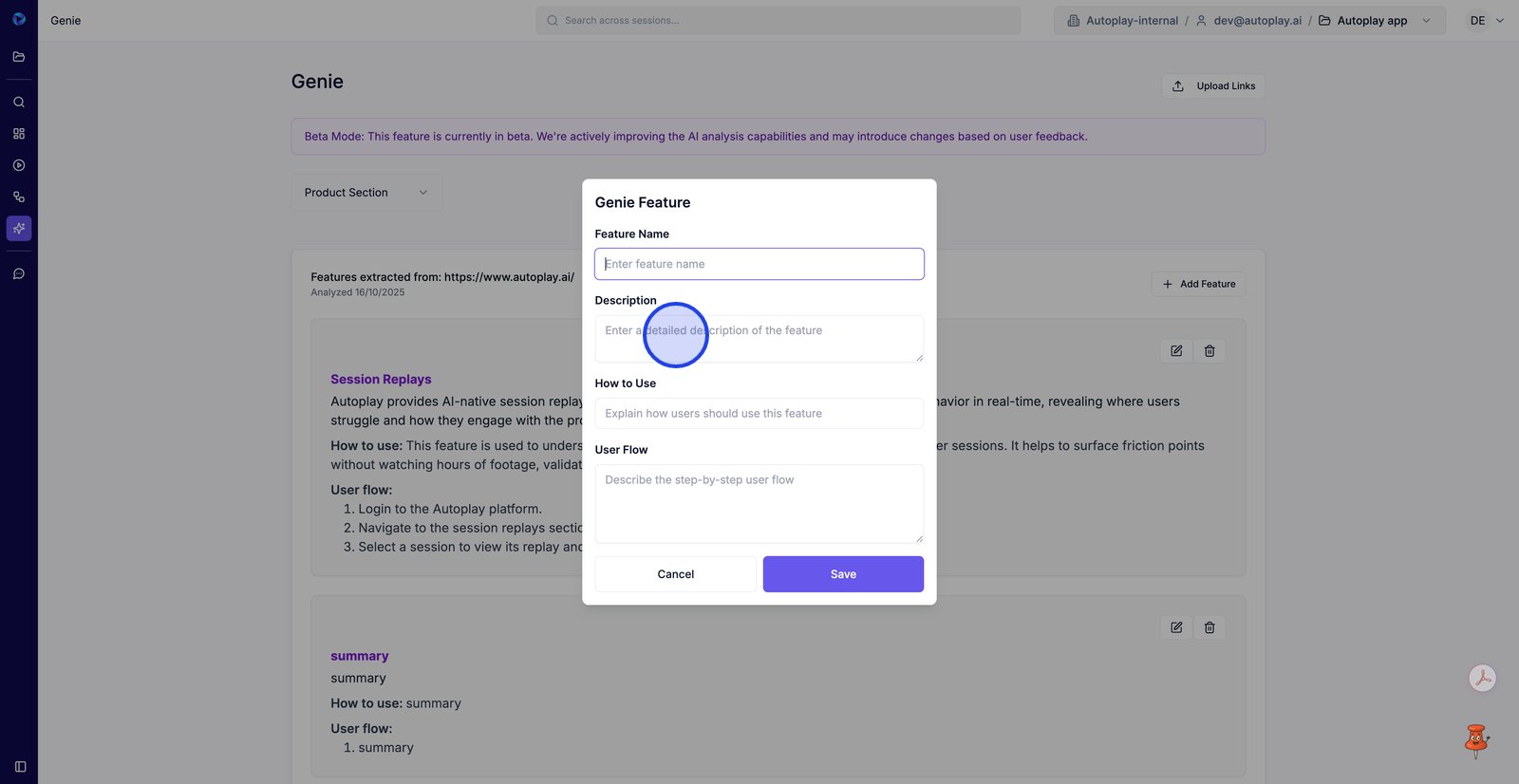
11. Use Description to capture what the feature does and the value it provides.
12. Add step-by-step guidance in How to Use so teammates understand how to apply the feature.
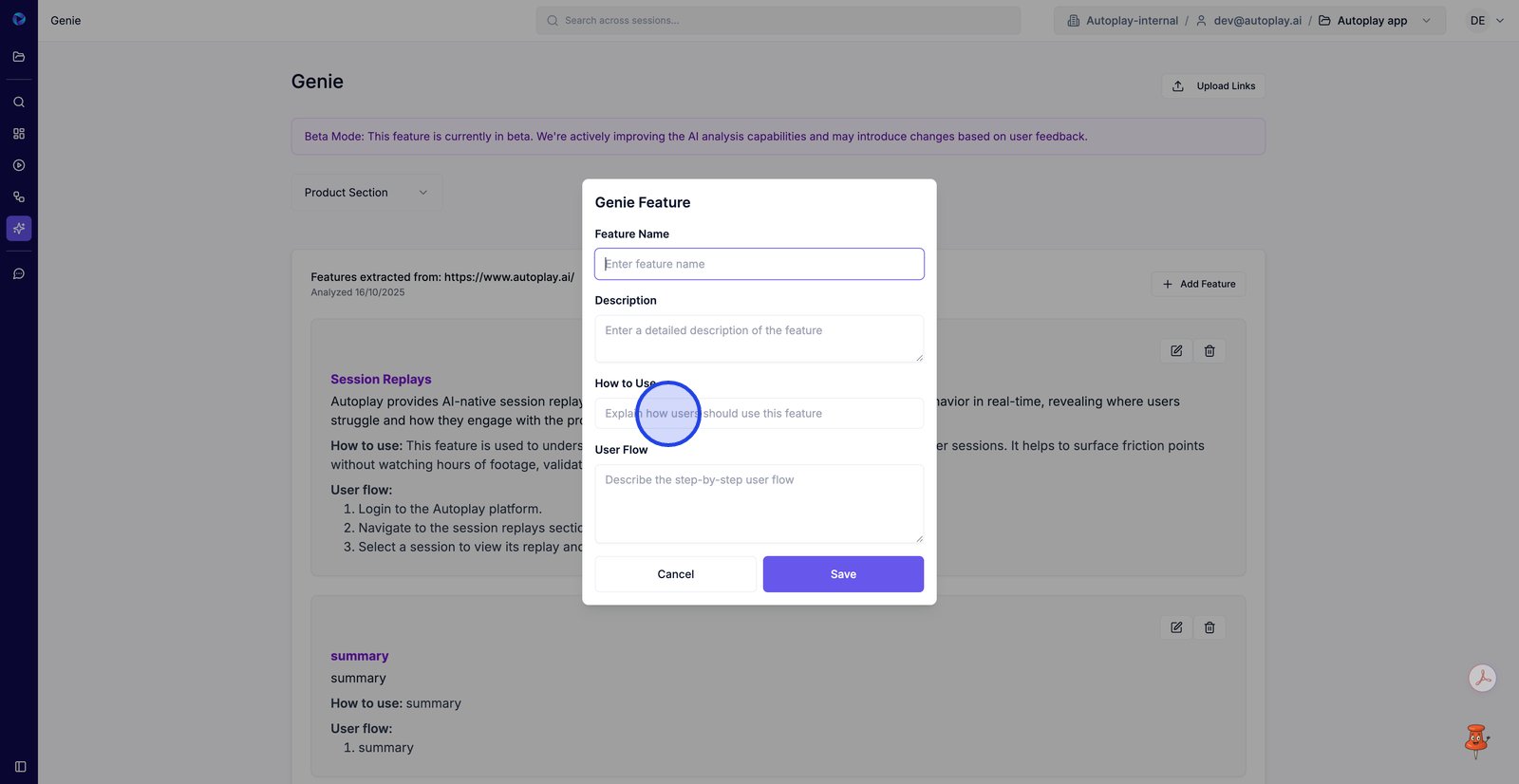
13. Document the end-to-end User Flow to reflect how someone experiences the feature in the product.
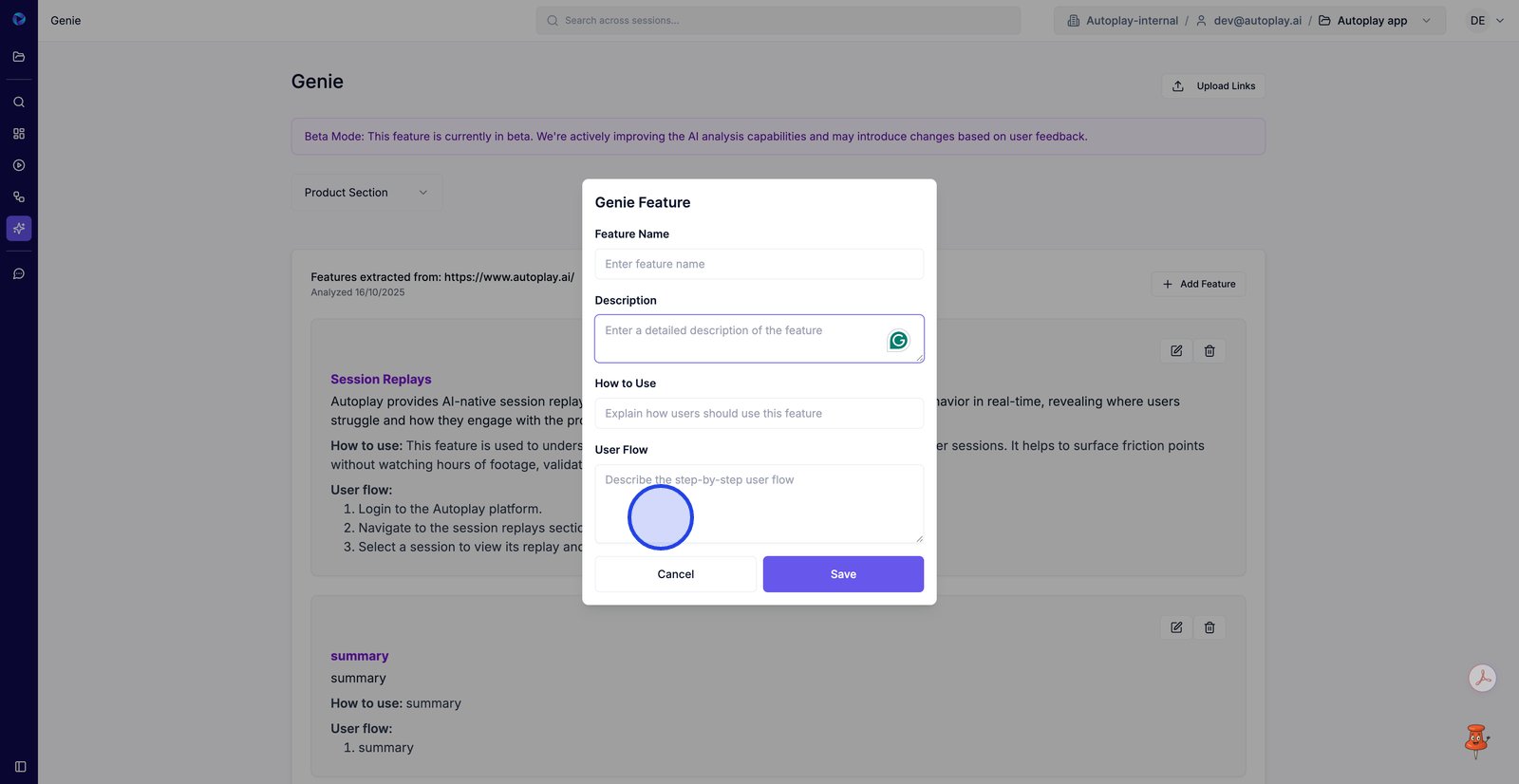
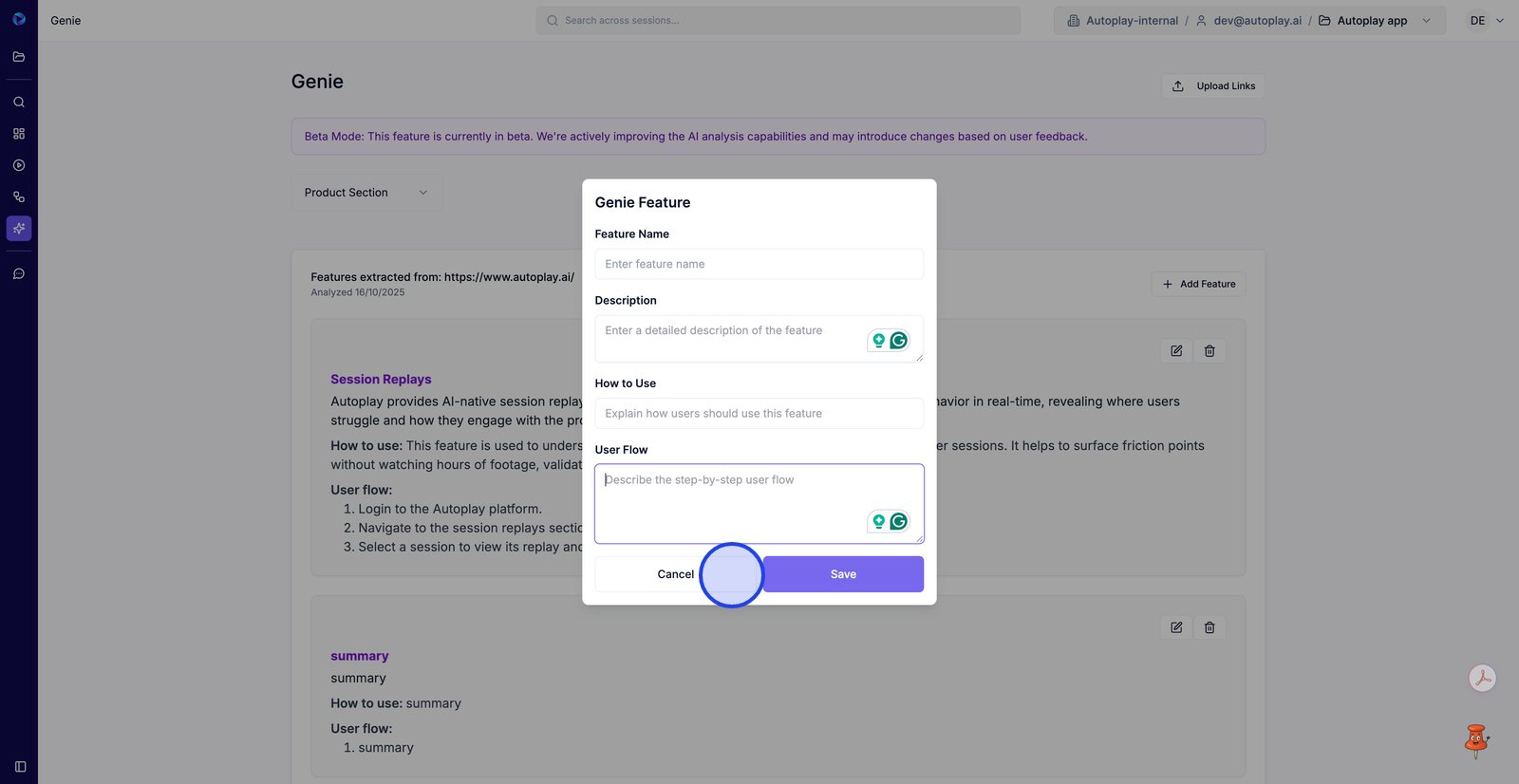
14. Click Cancel to exit without saving your new feature details.
15.