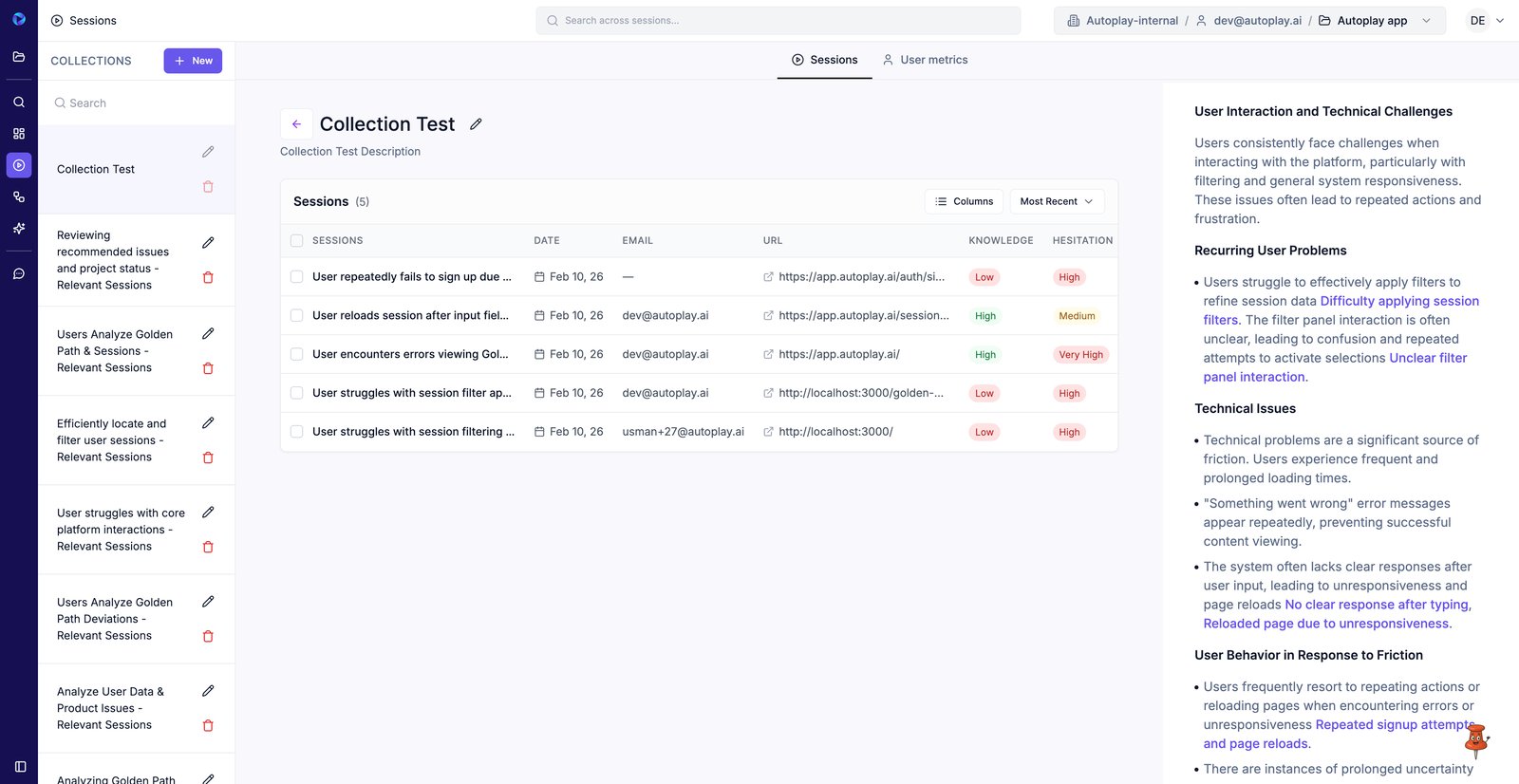
Create a collection and add selected sessions for review
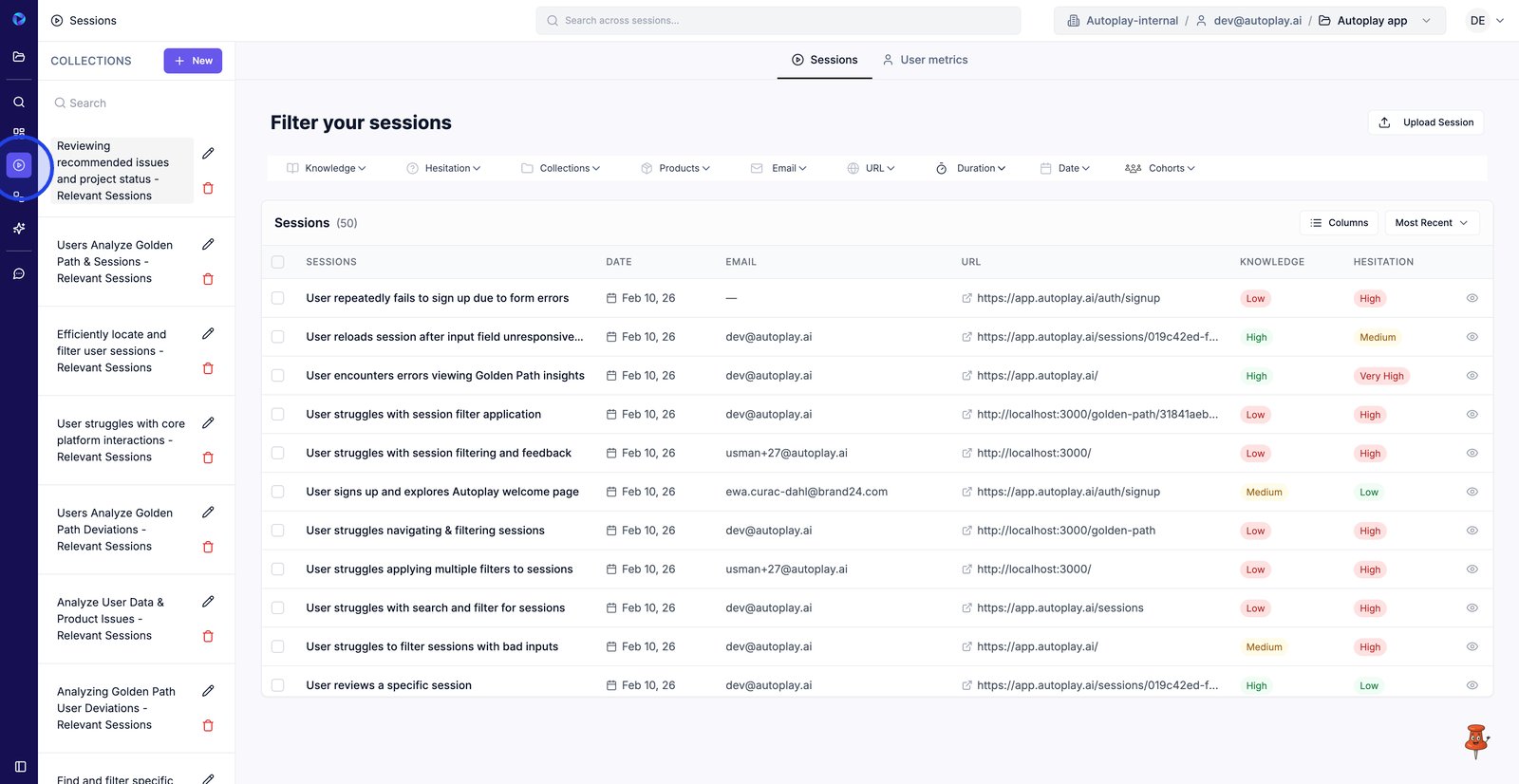
1. Open Sessions to browse recordings and organize them into collections.
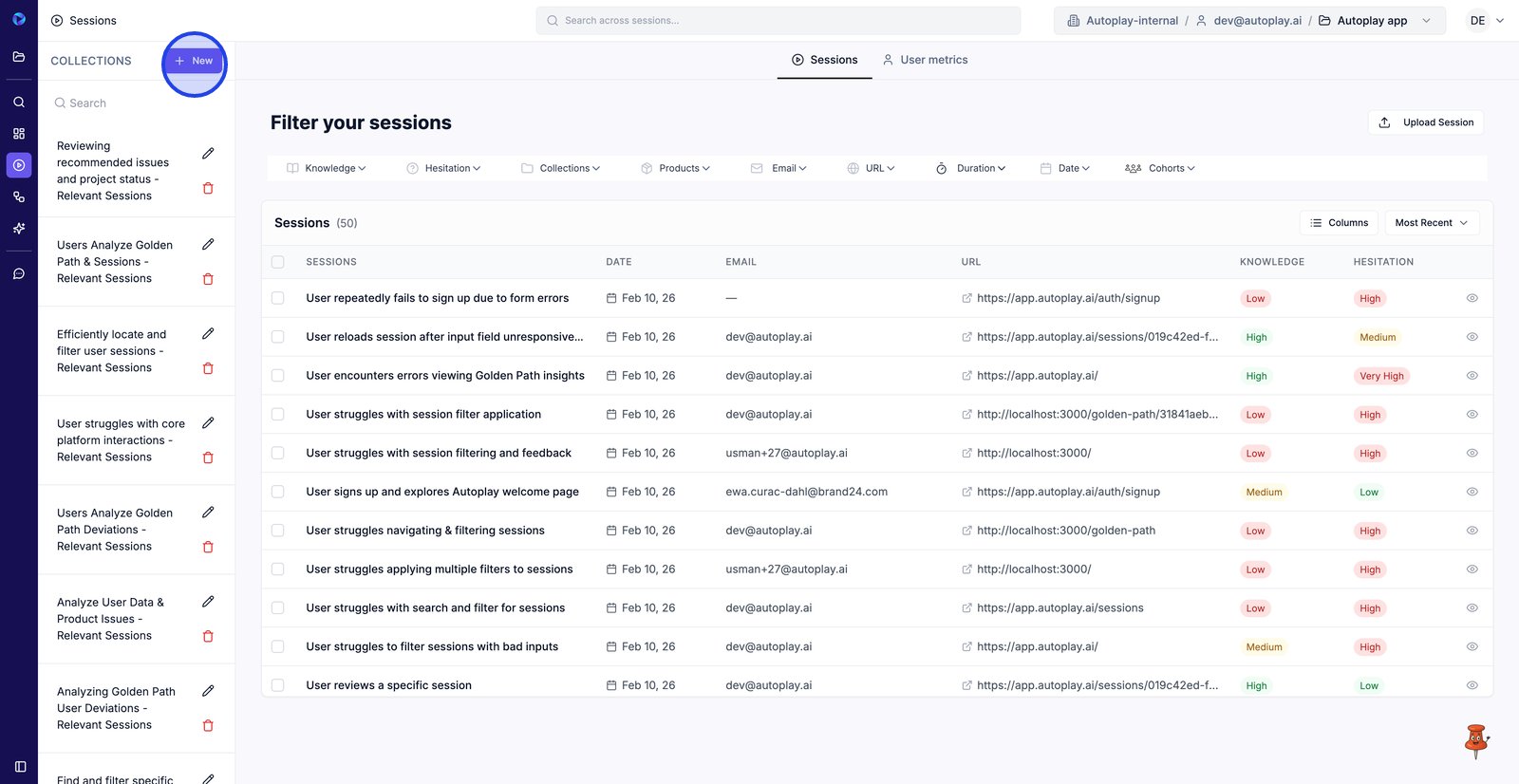
2. Click New to create a collection you can save sessions into for later review.
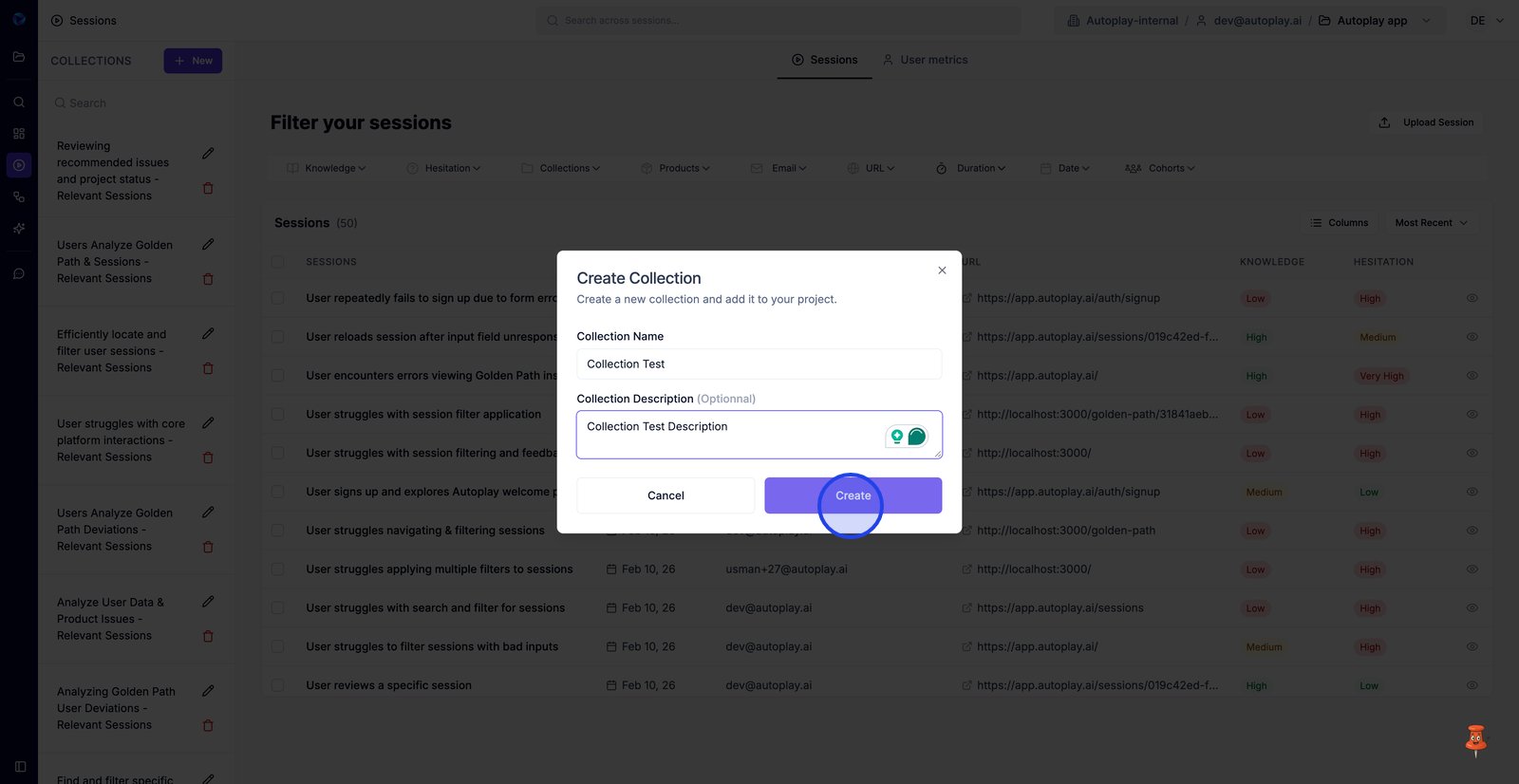
3. Add a name & description so teammates know what this collection is for.
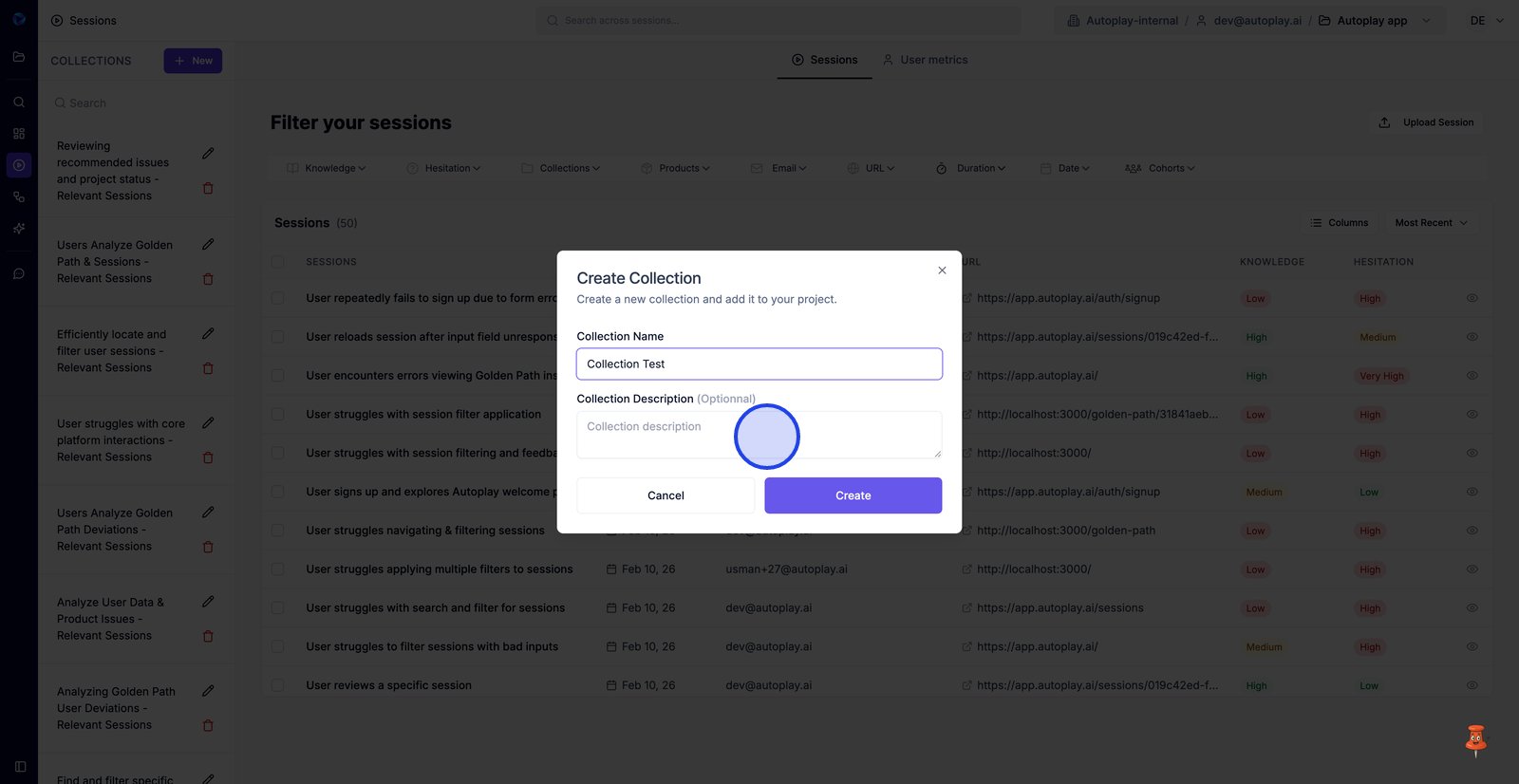
4. Select Create to save the new collection to your sidebar.
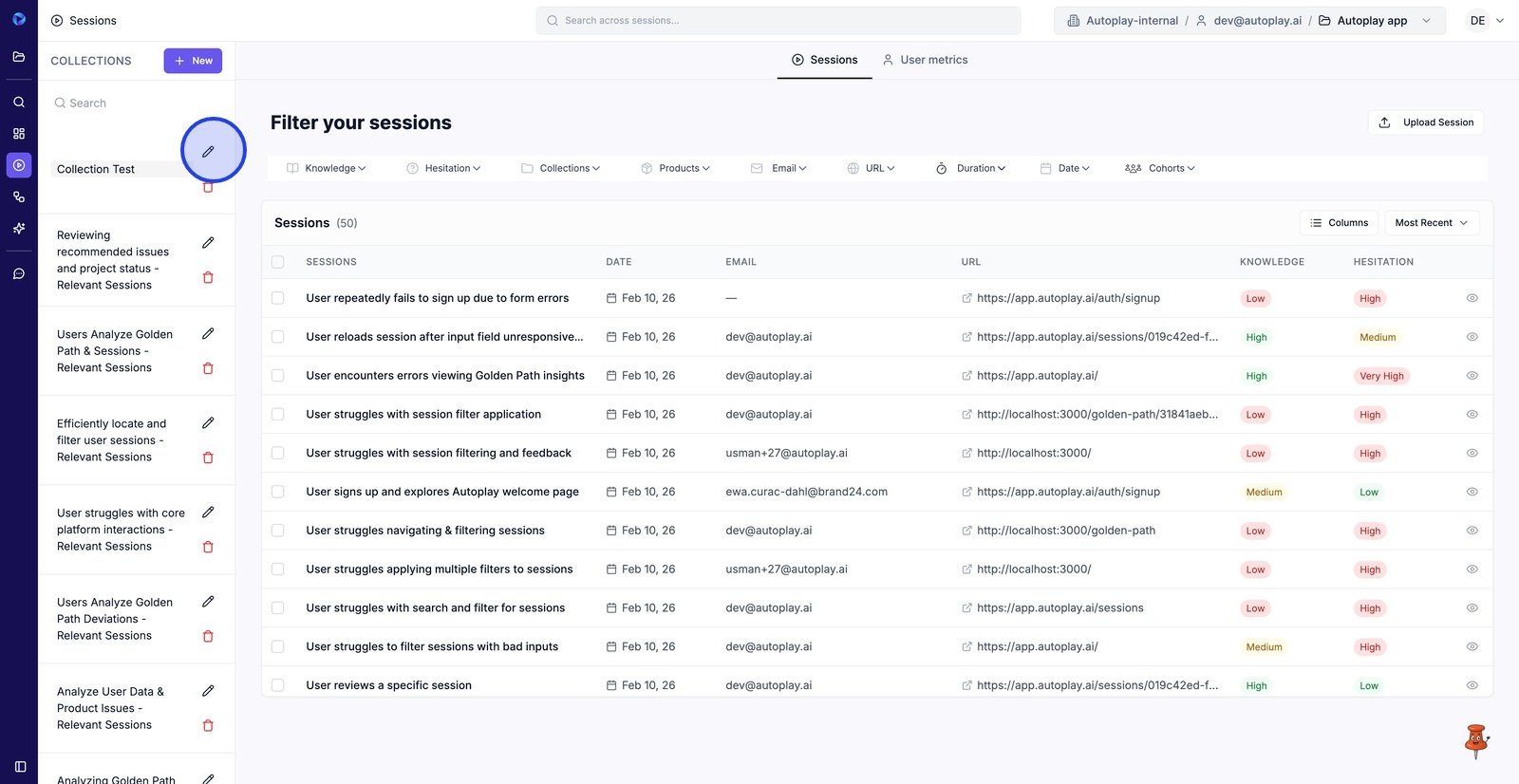
5. Use Edit to update the collection’s name or description.
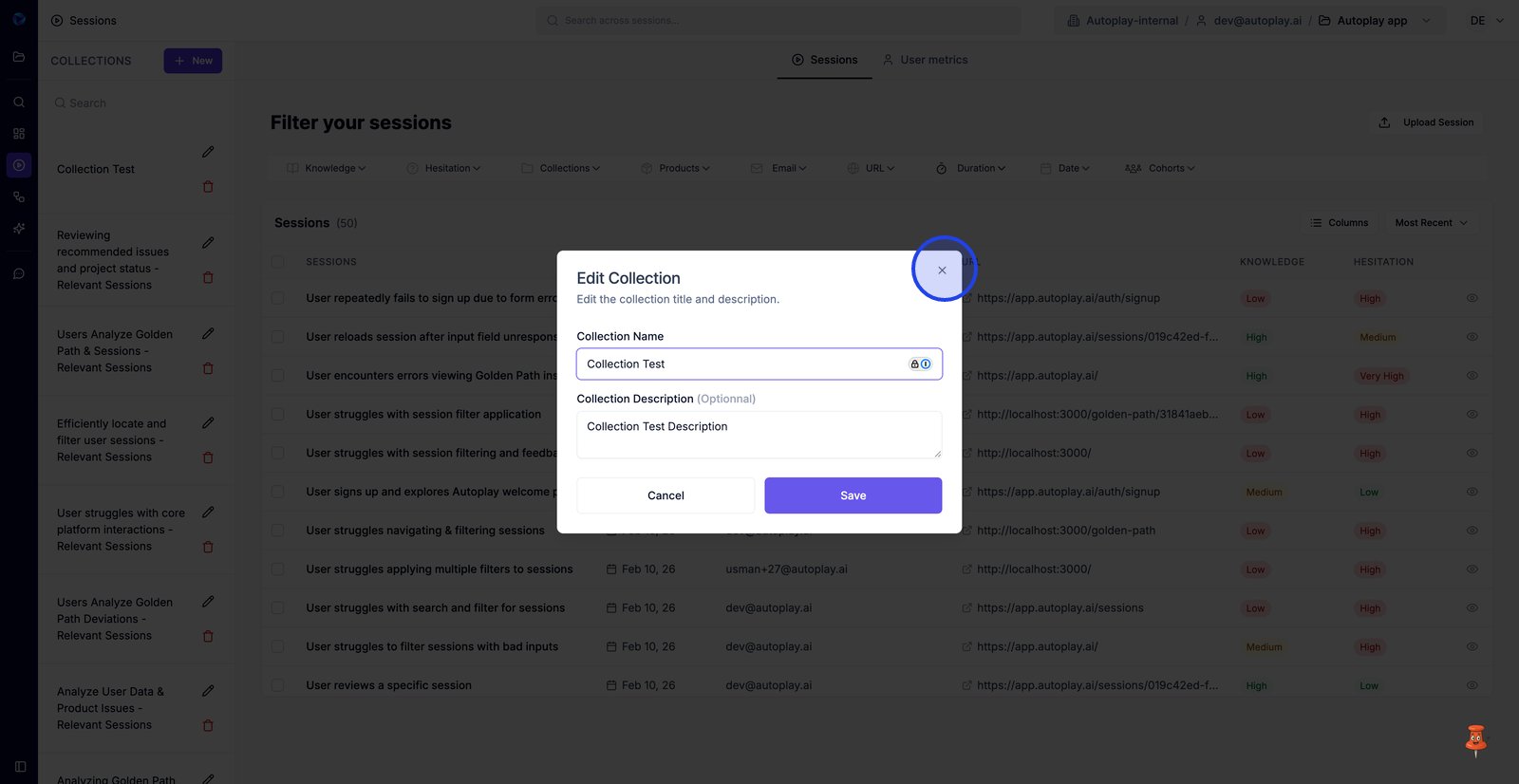
6. Close the edit modal to exit without saving changes.
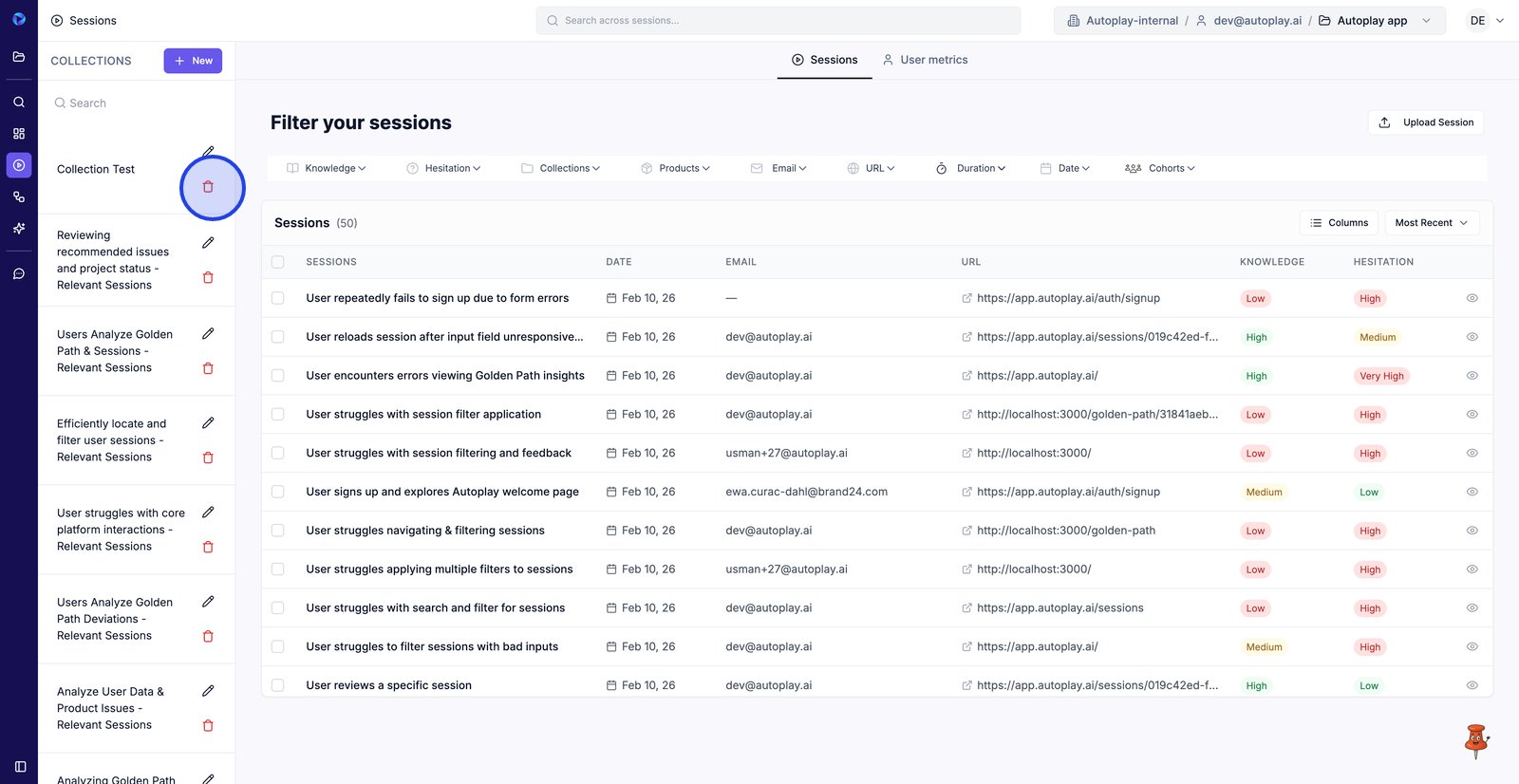
7. Click Delete to remove a collection you no longer need.
8. Choose Cancel to keep the collection and avoid an irreversible delete.
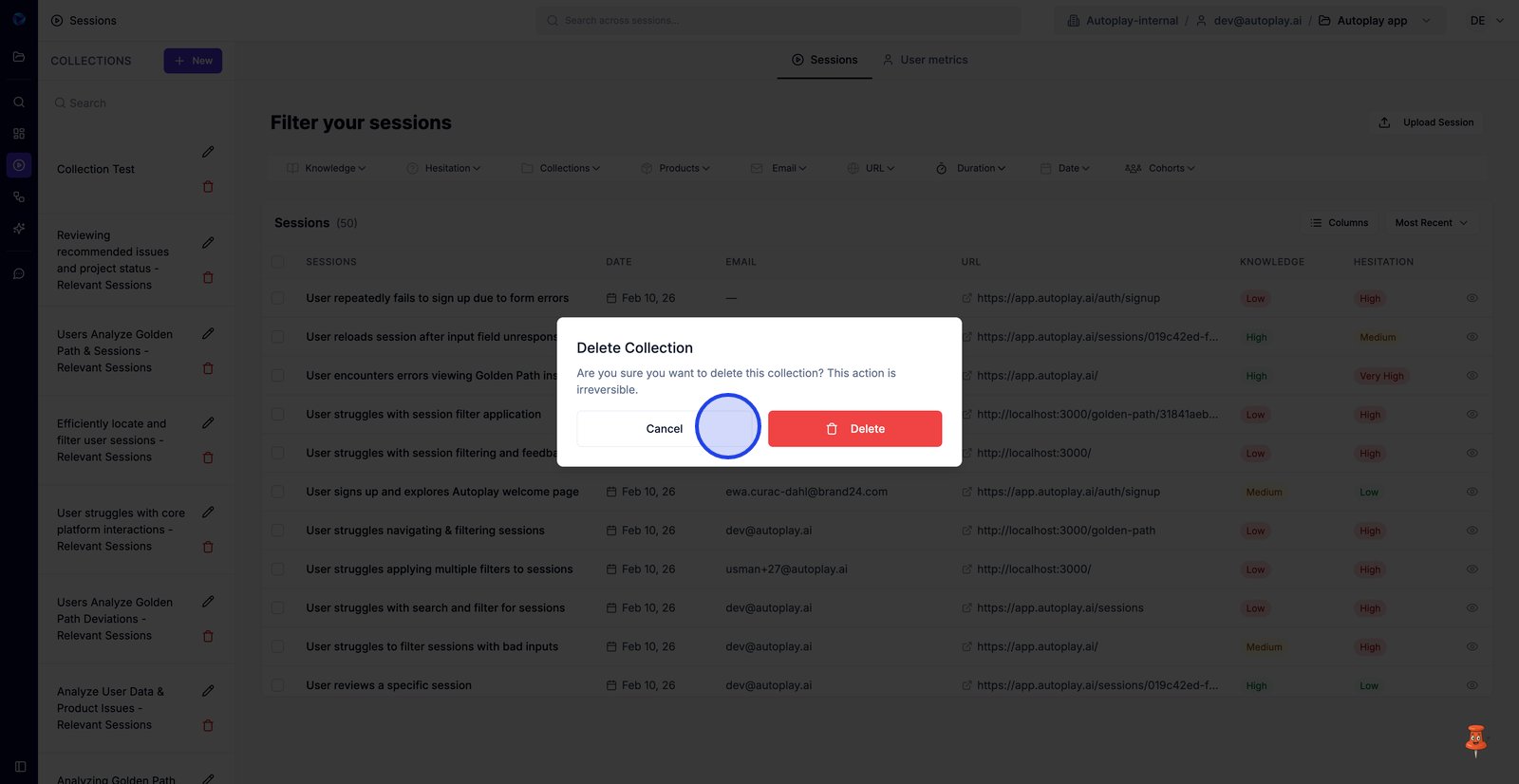
9. Return to the Sessions tab to select recordings for your new collection.
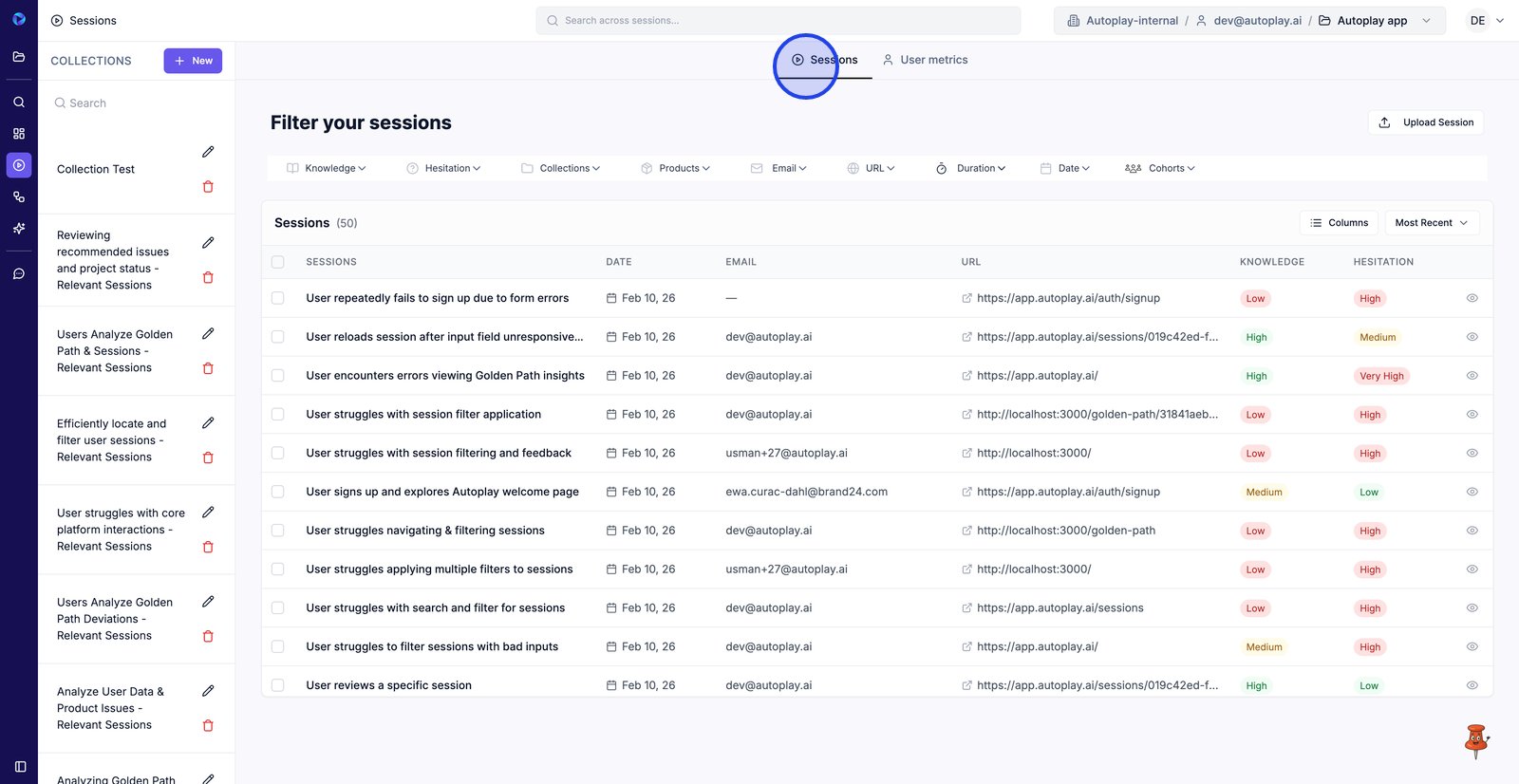
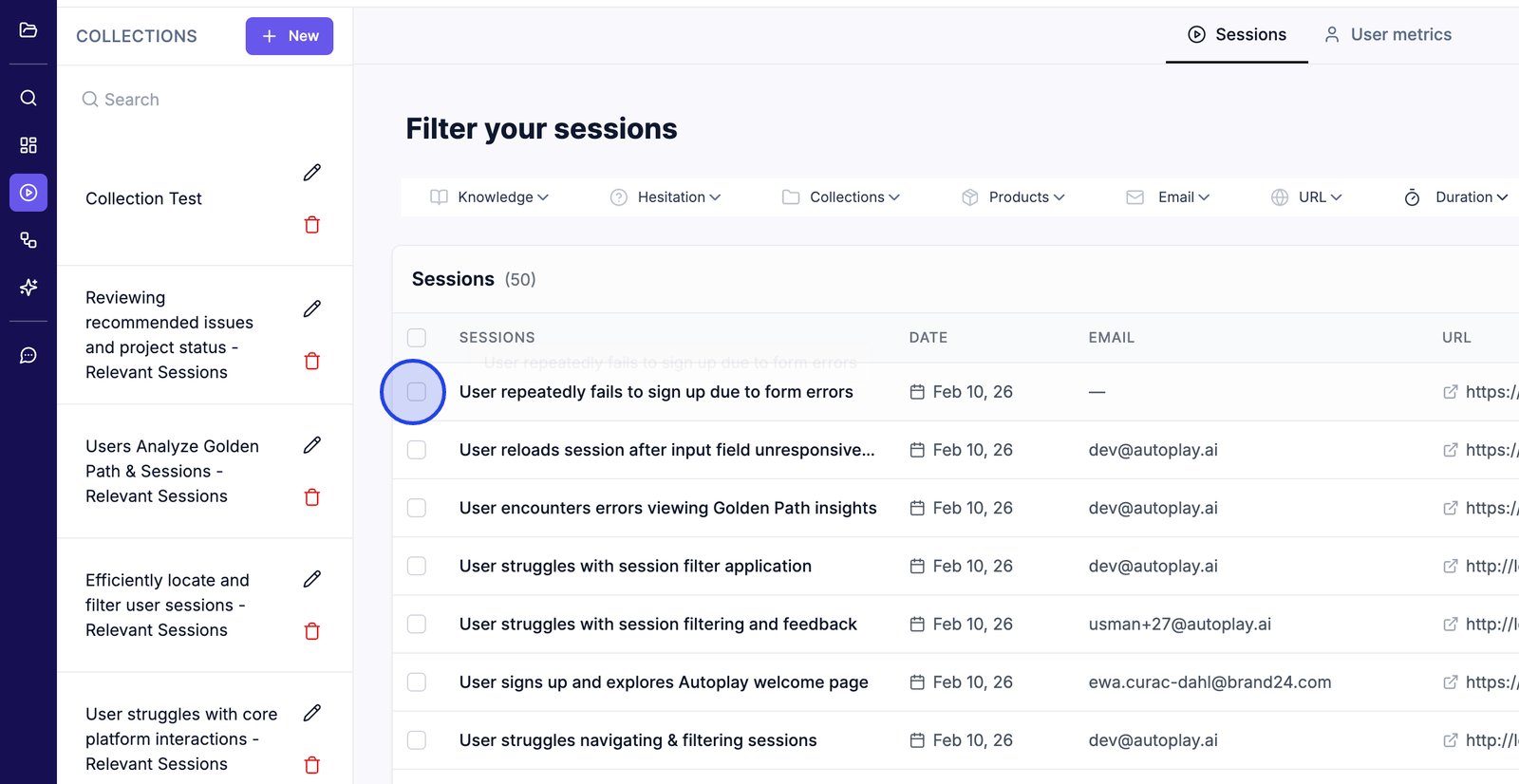
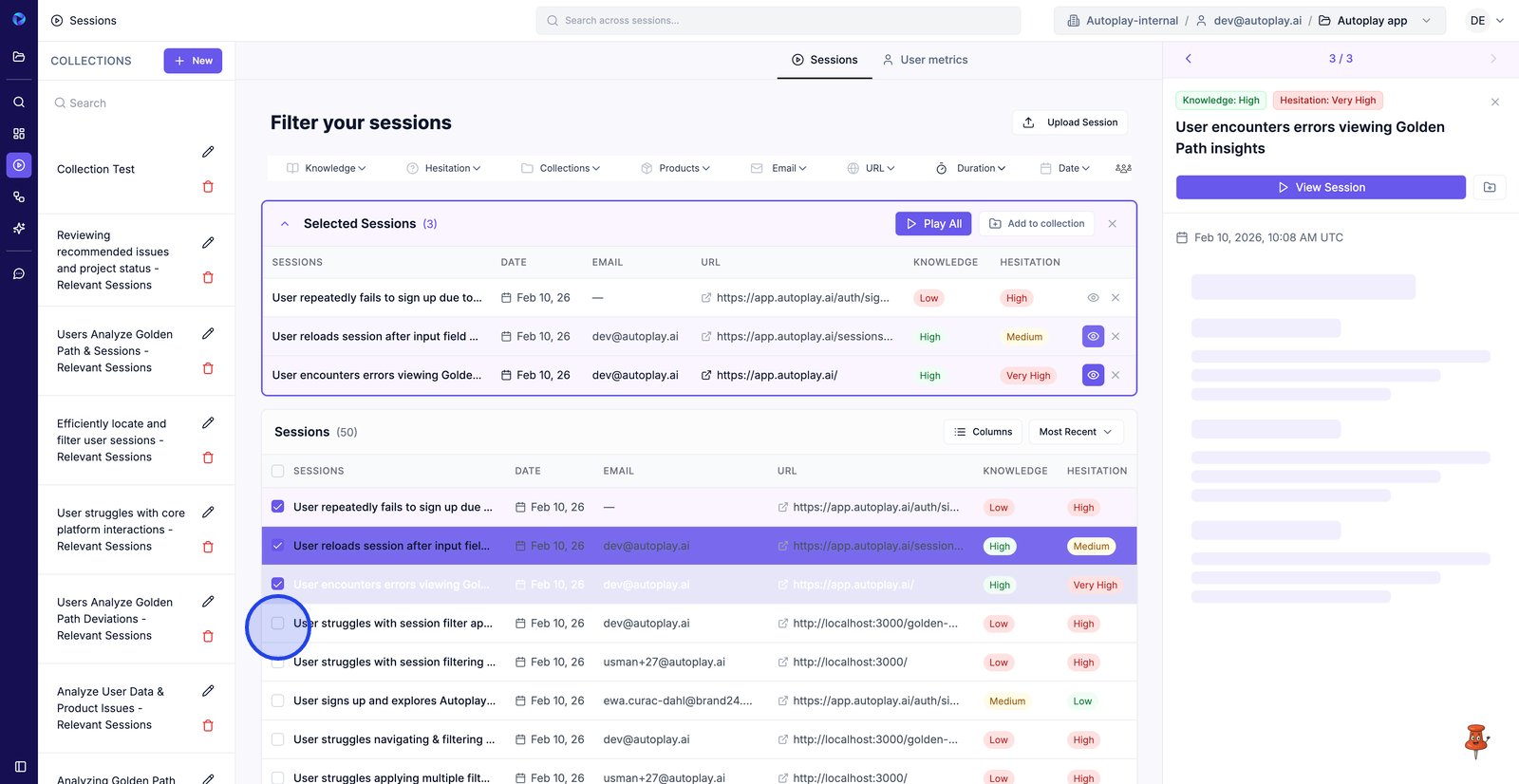
10. Select sessions to start building your review set.
11. Select as many sessions you want to grow the Selected Sessions list.
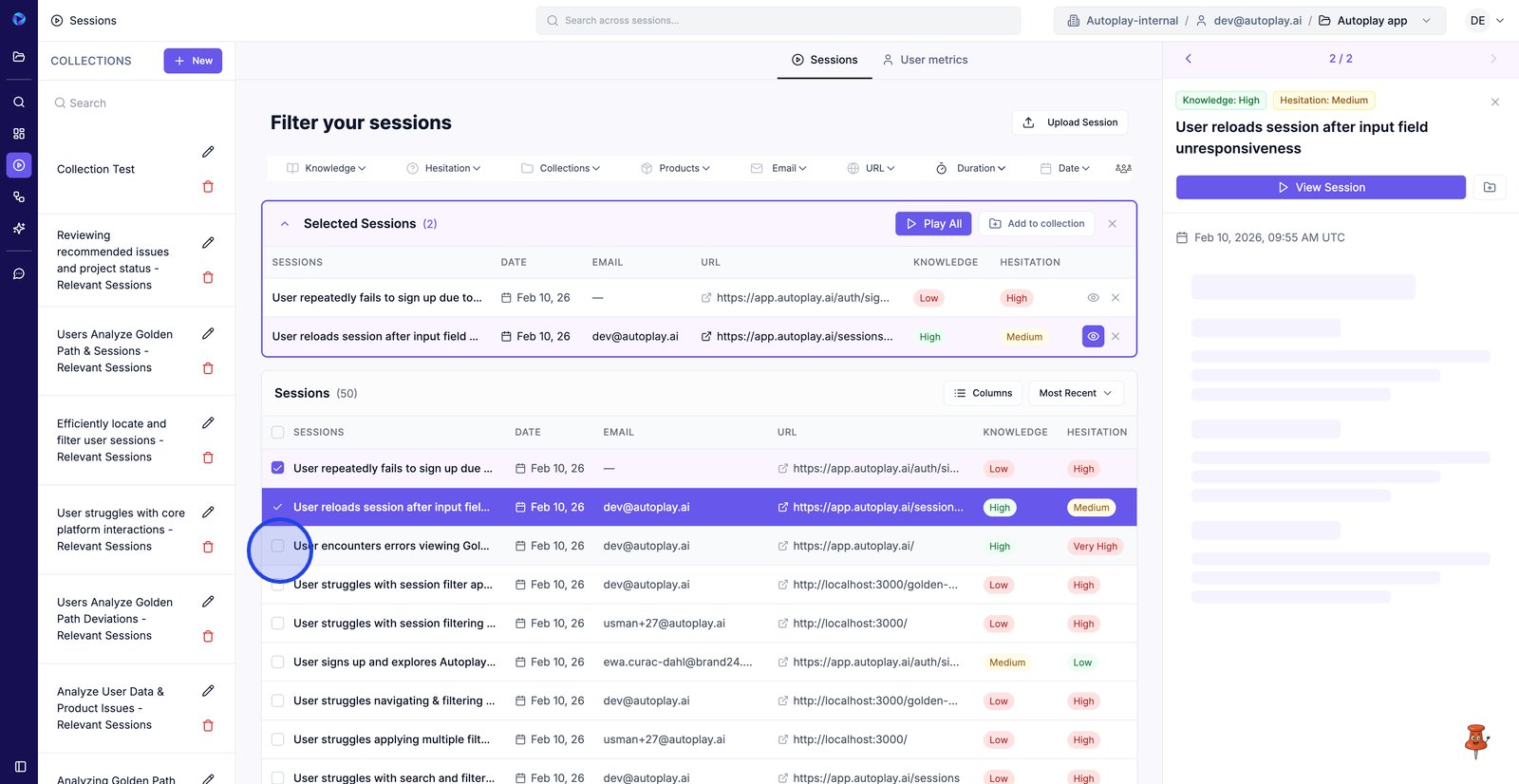
12. Keep selecting sessions until you have the set you want to review together.
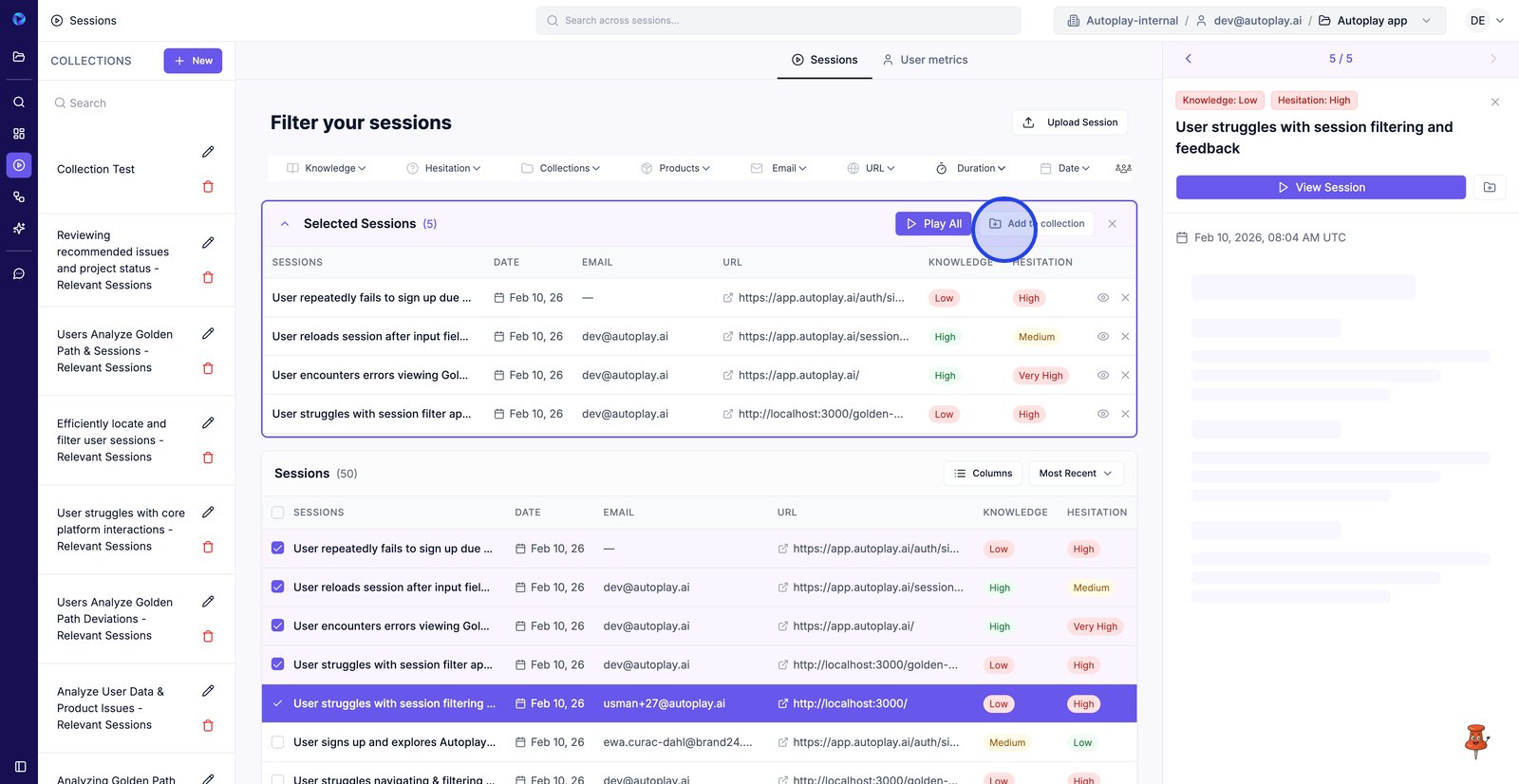
13. Click Add to collection to save all selected sessions into a collection at once.
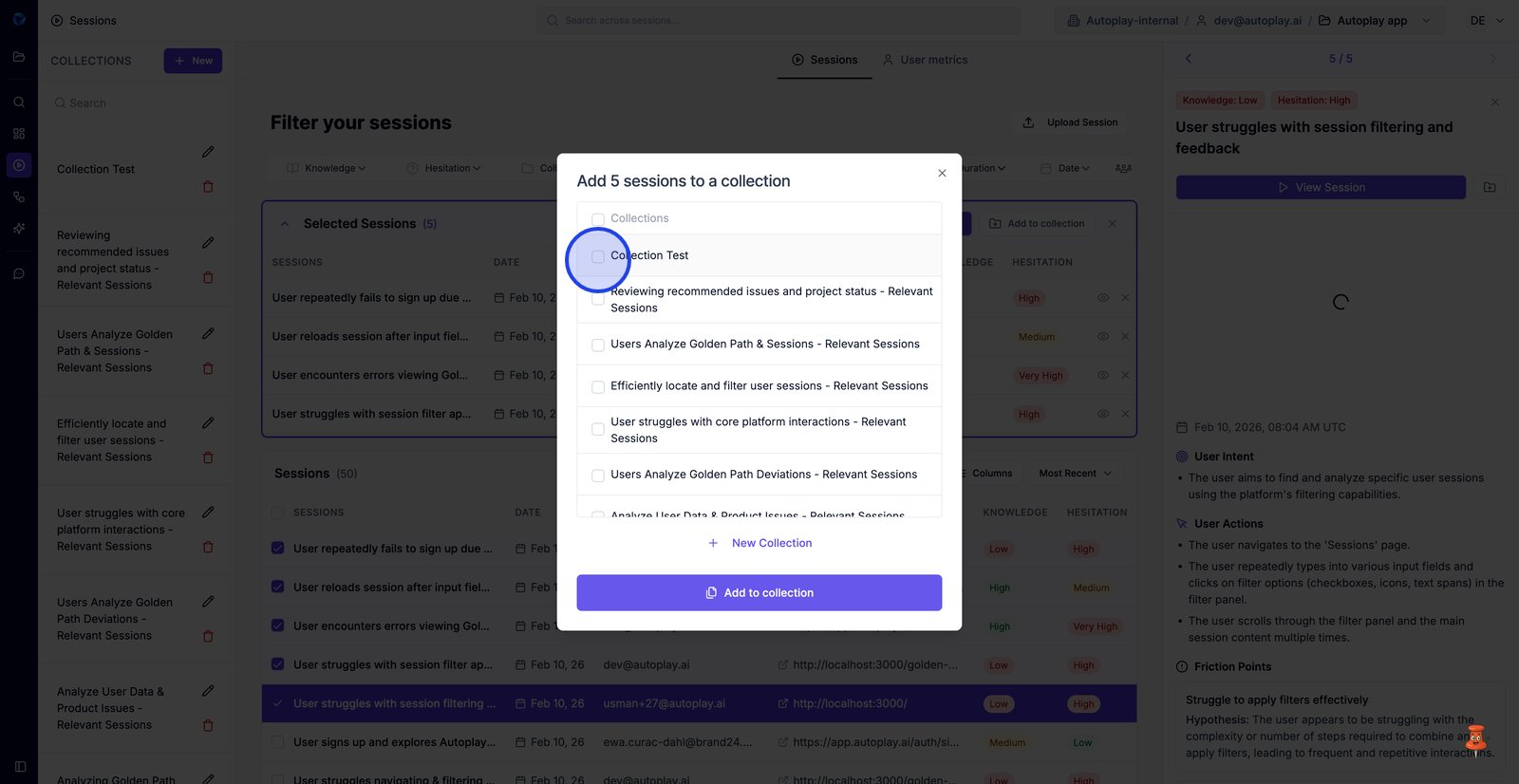
14. Choose the target collection where these sessions should be stored.
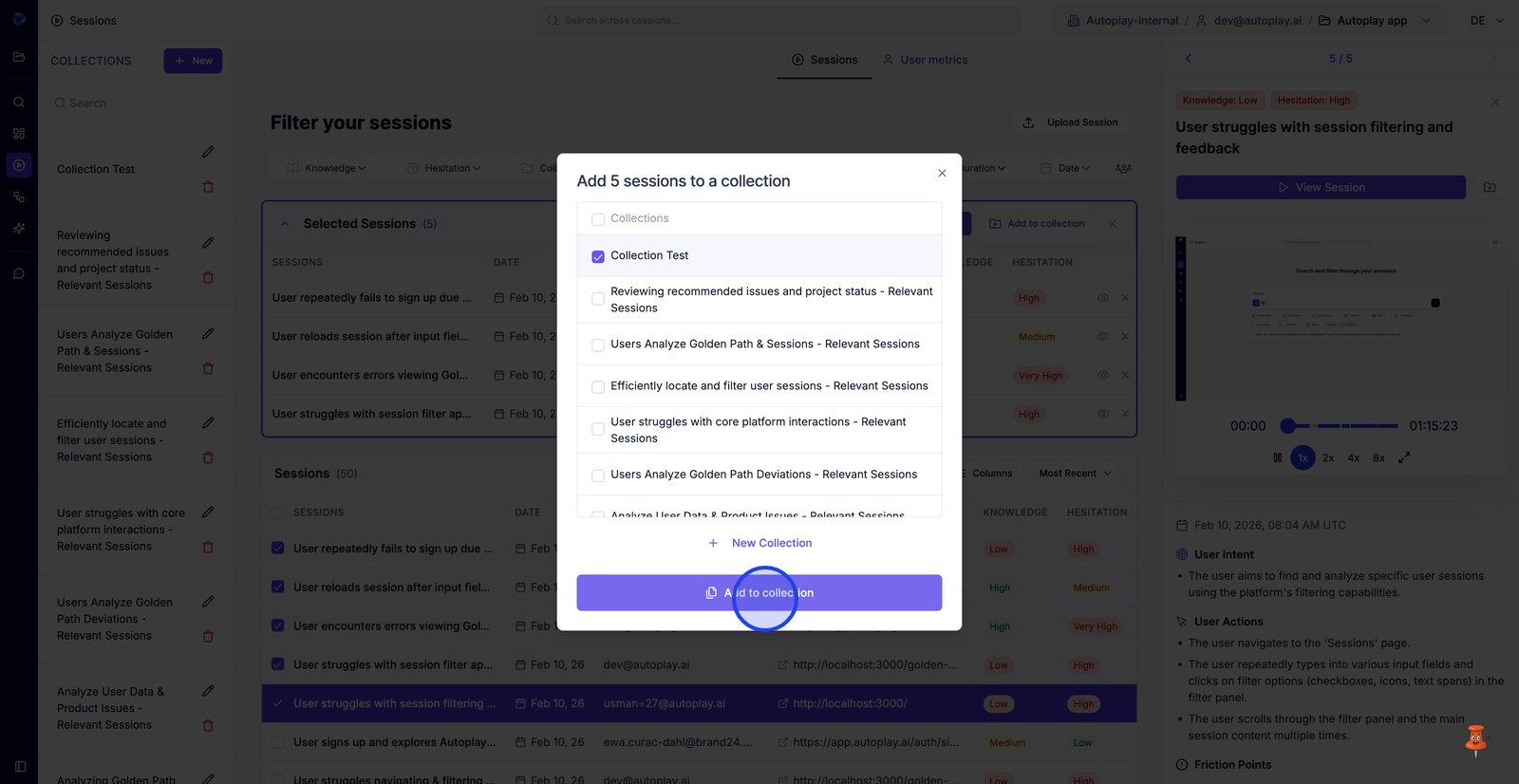
15. Confirm Add to collection to finish saving the selected sessions.
16. Open the collection to verify it now contains the sessions you added.
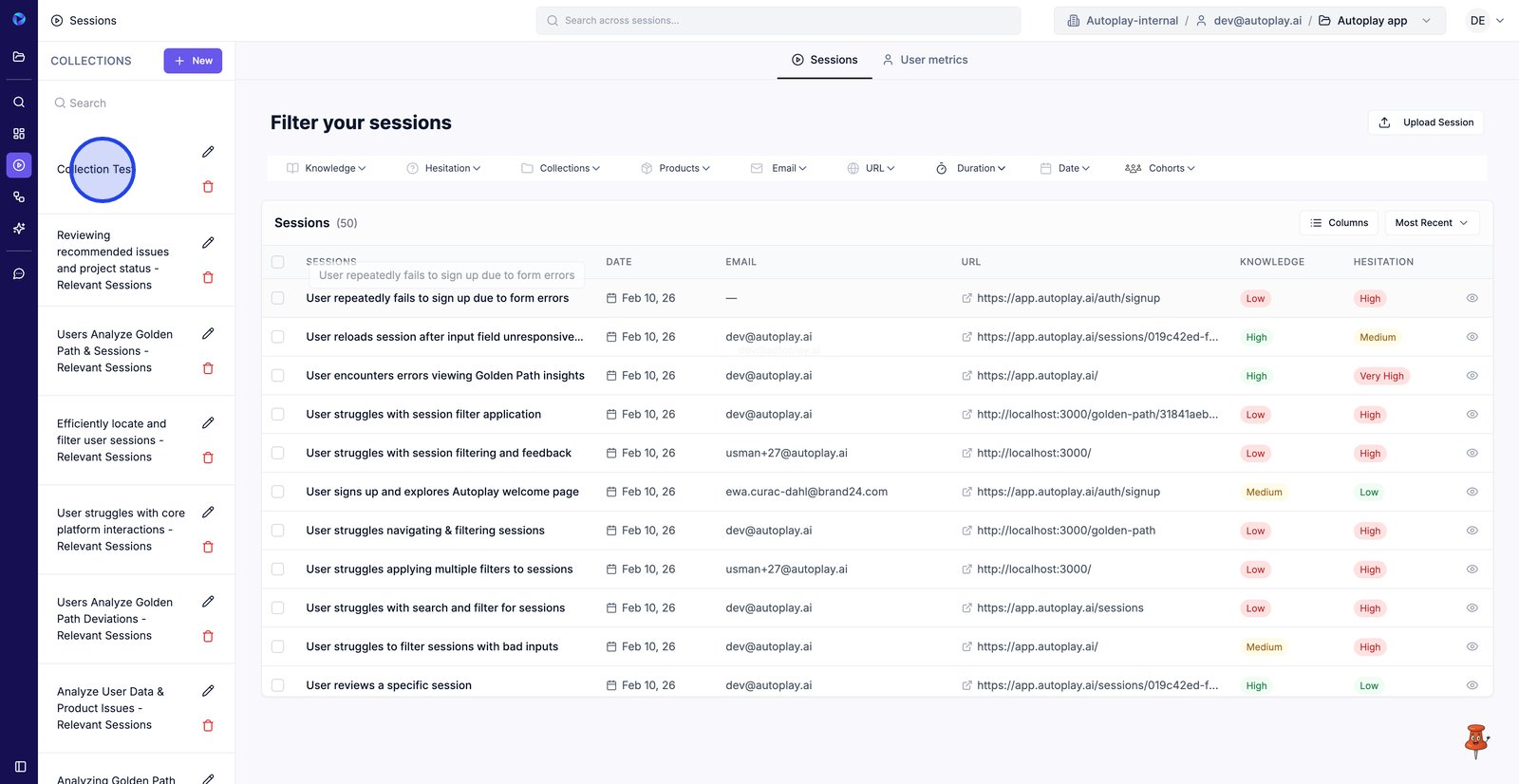
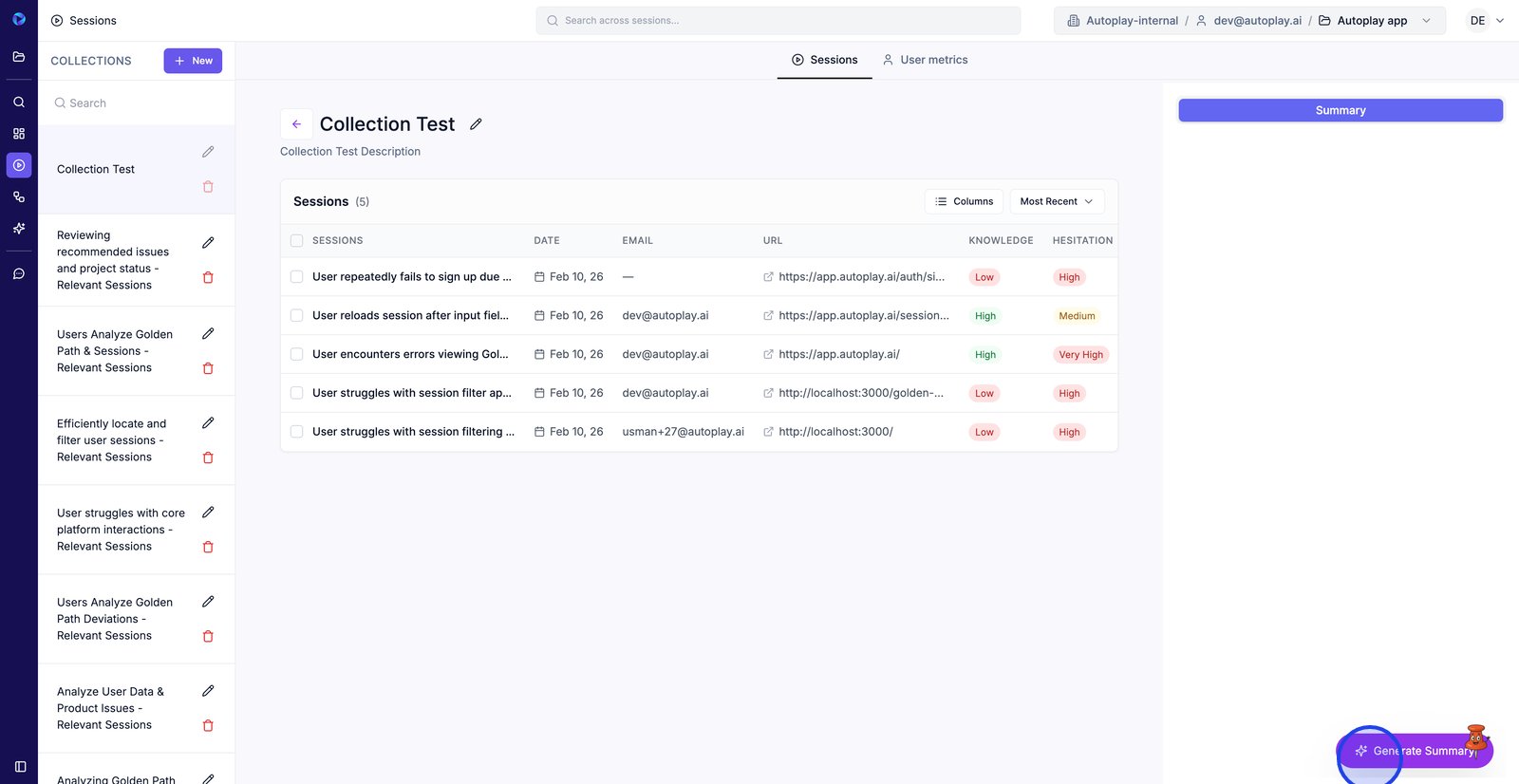
17. Generate a summary to quickly spot the key themes across sessions in this collection.
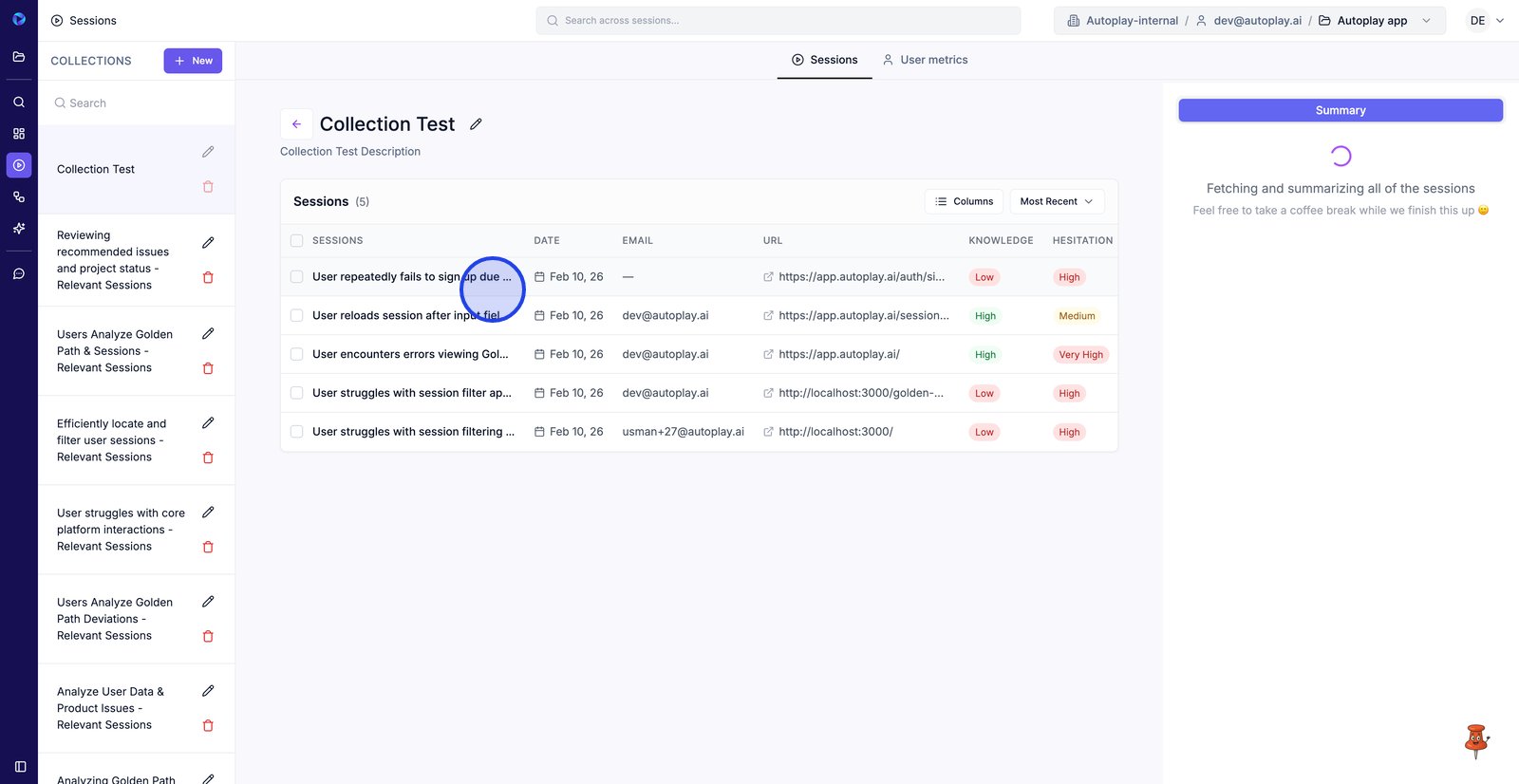
18. Click a session title to open it and start reviewing what happened.
19. Use the Email value to quickly identify which user the session belongs to.
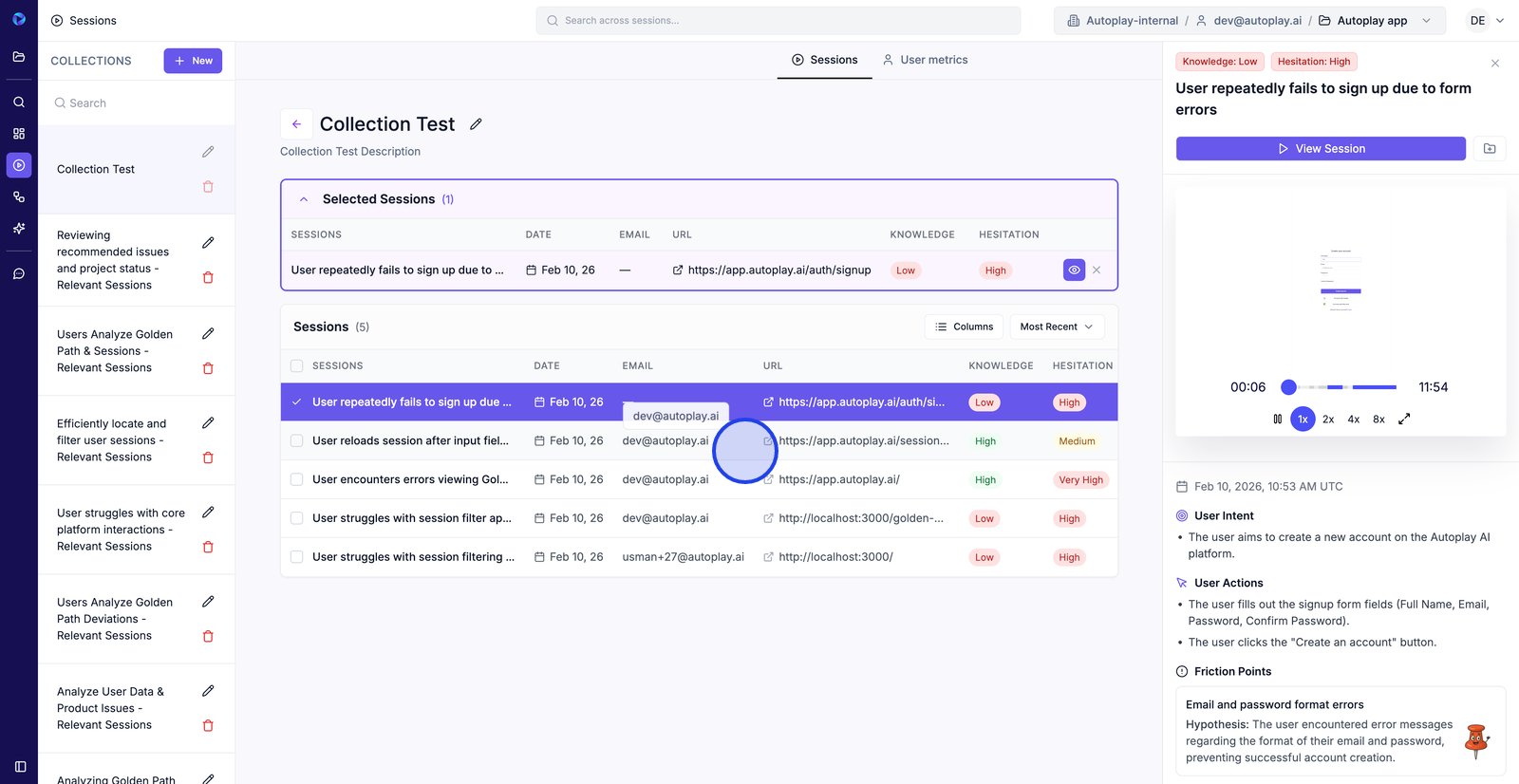
20. Switch to another session in the collection to compare issues side by side.
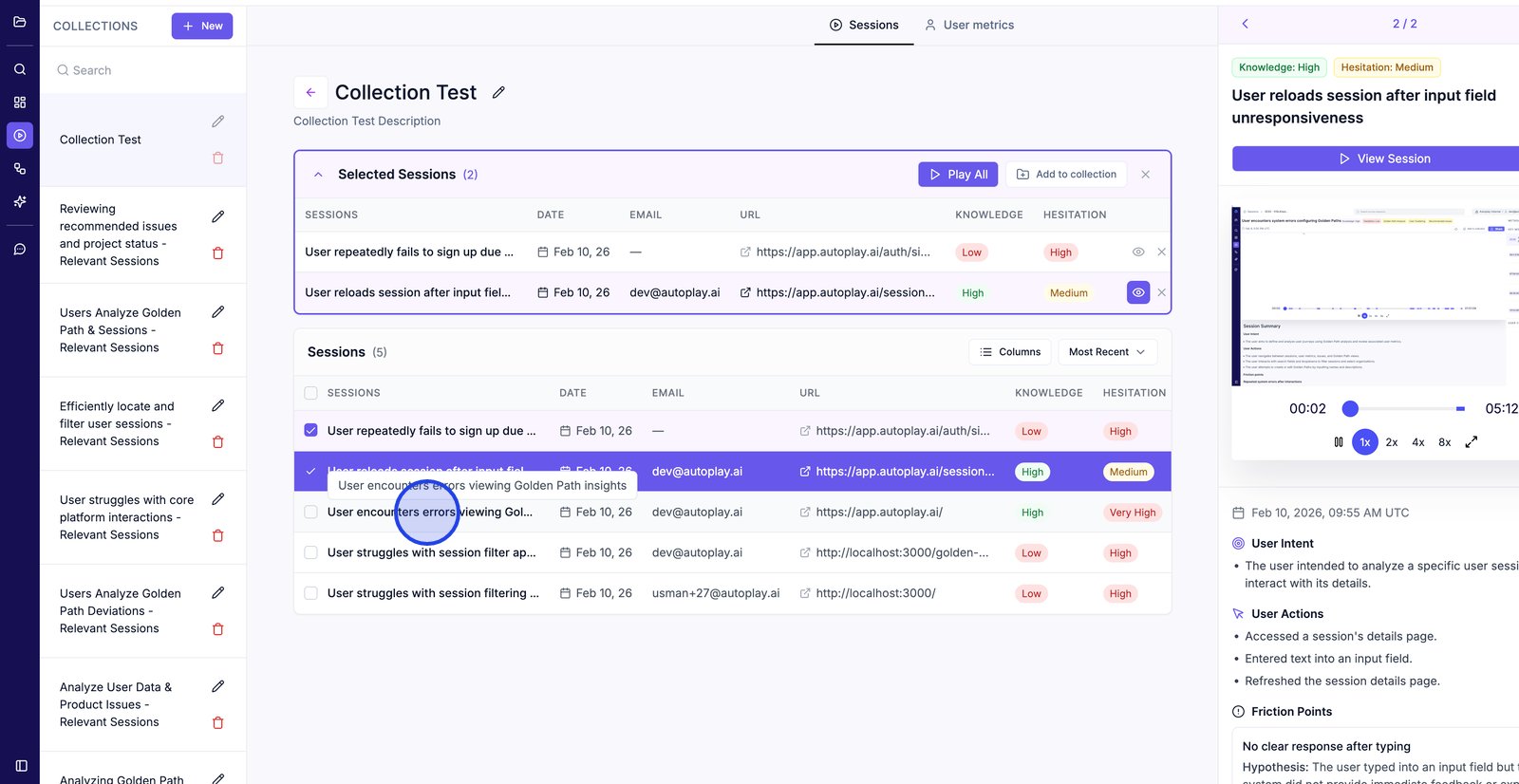
21. Use the left arrow to jump back to the previous selected session’s details.
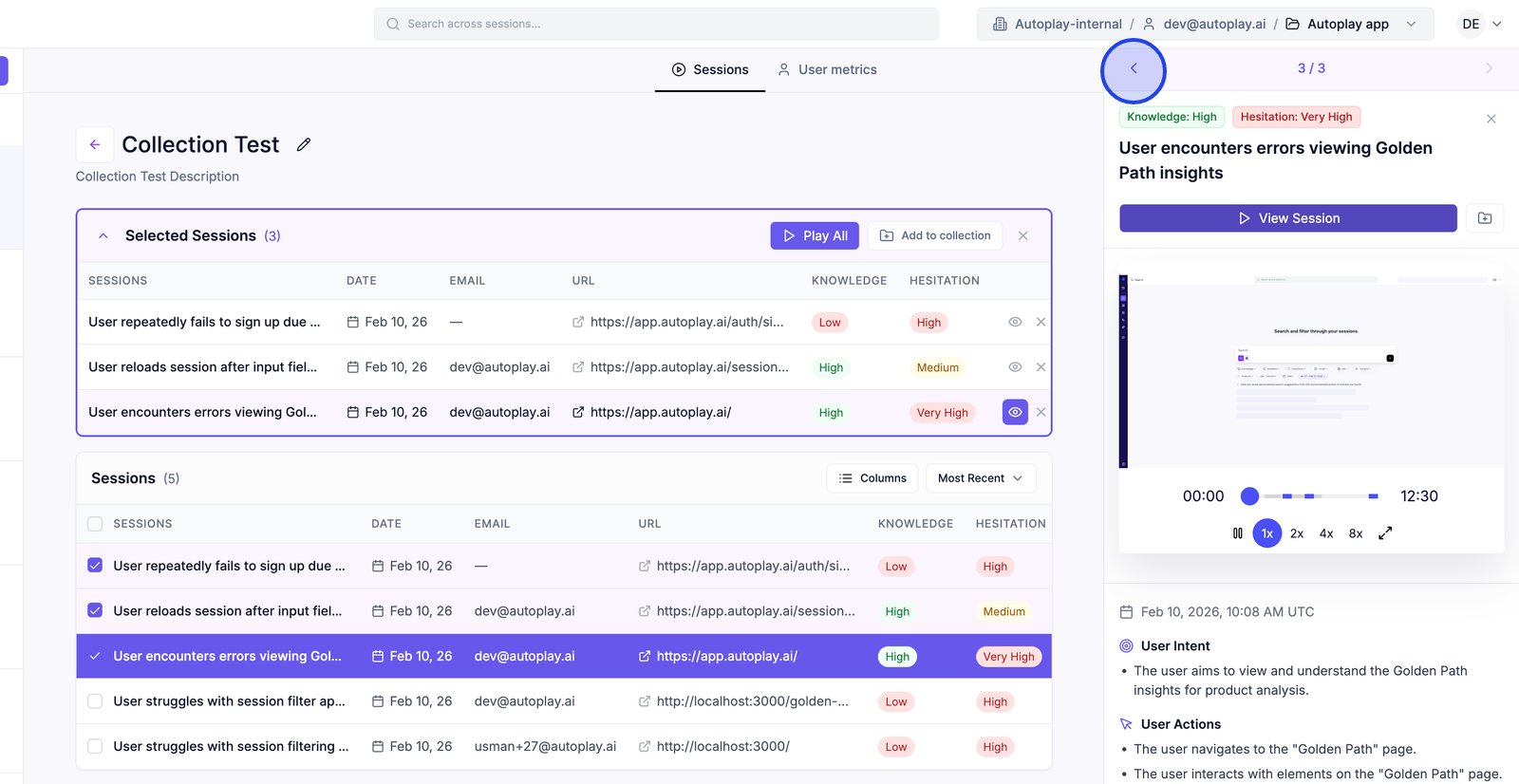
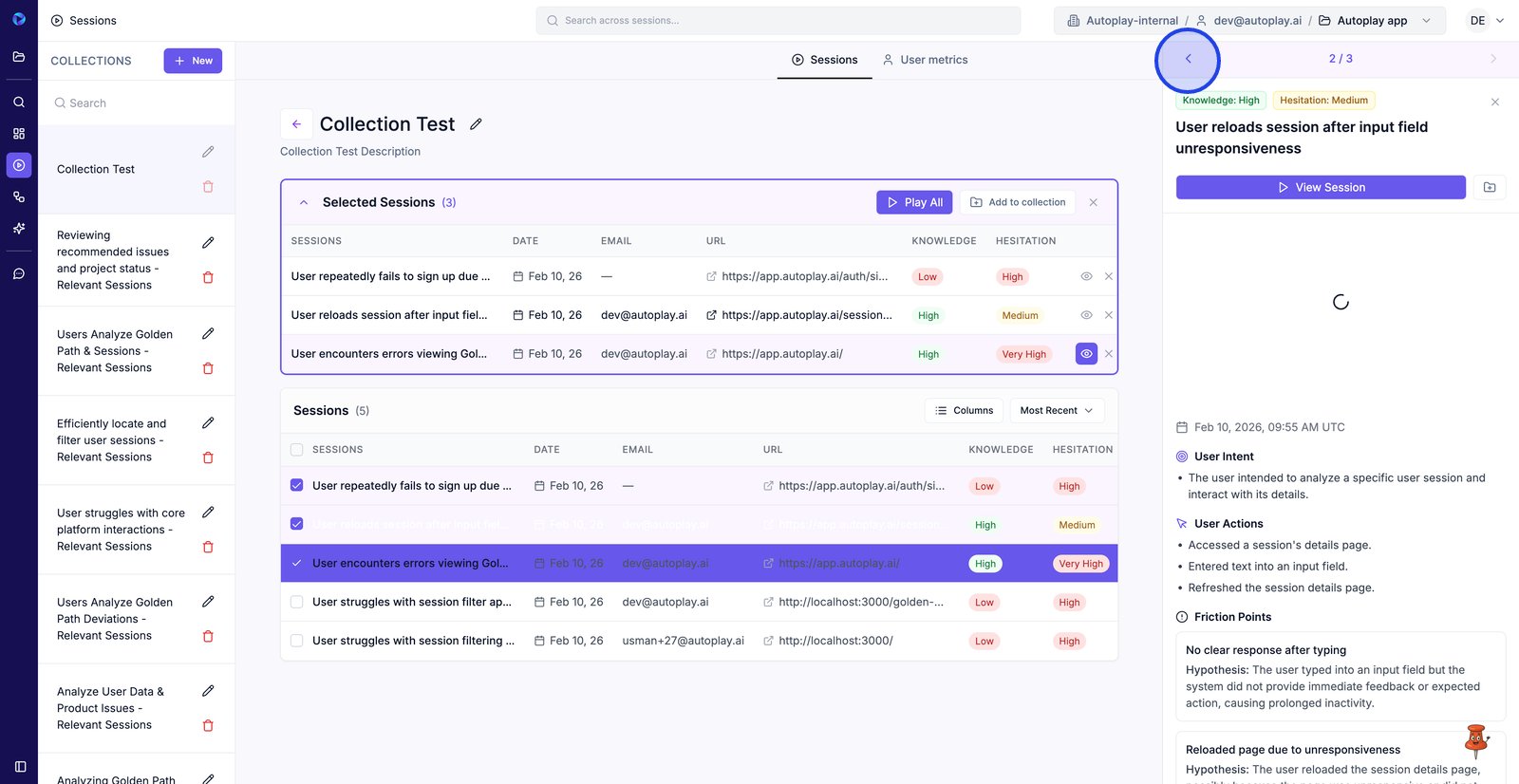
22. Continue stepping through selected sessions to review each insight panel.
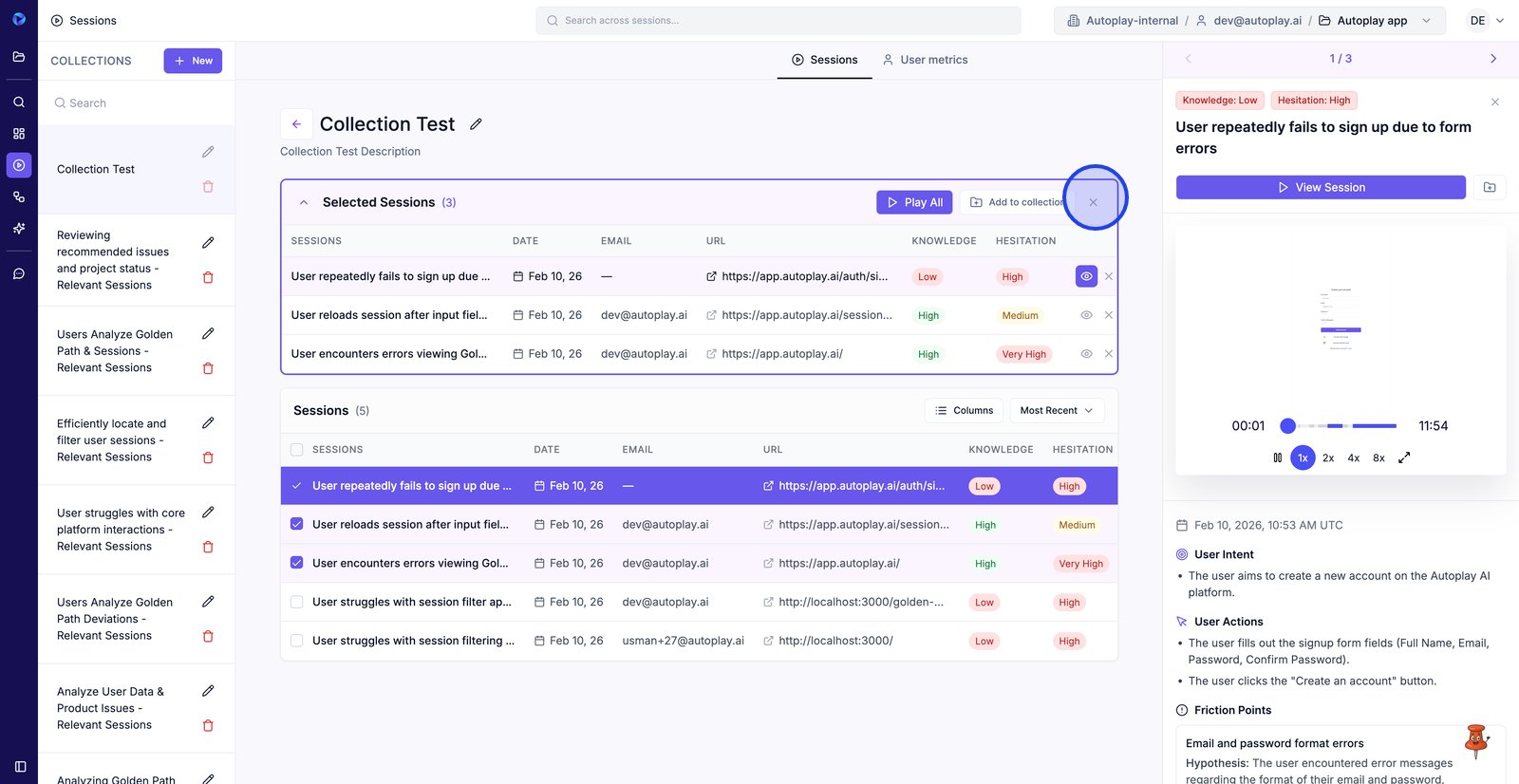
23. Close Selected Sessions to declutter the page and focus on the table.
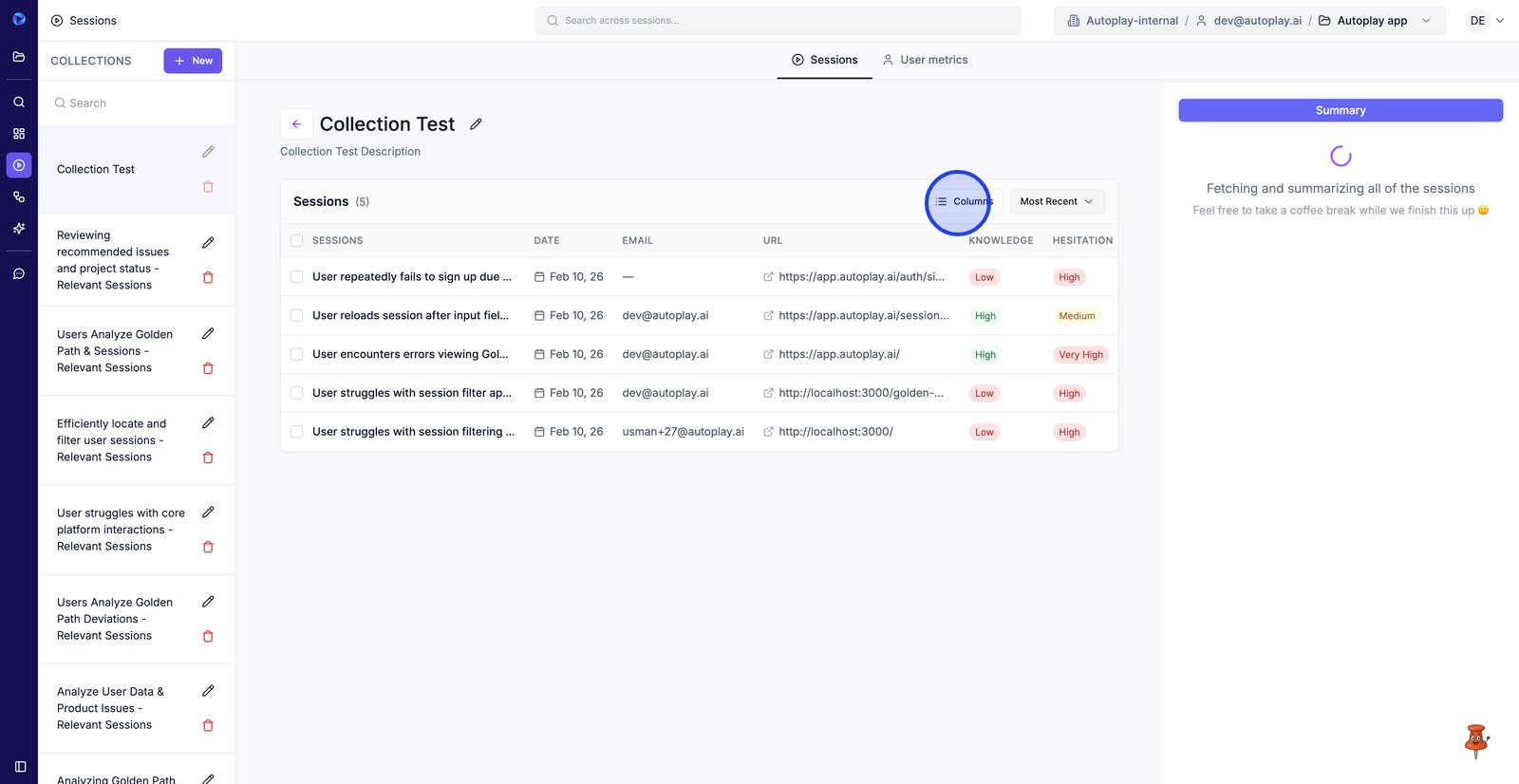
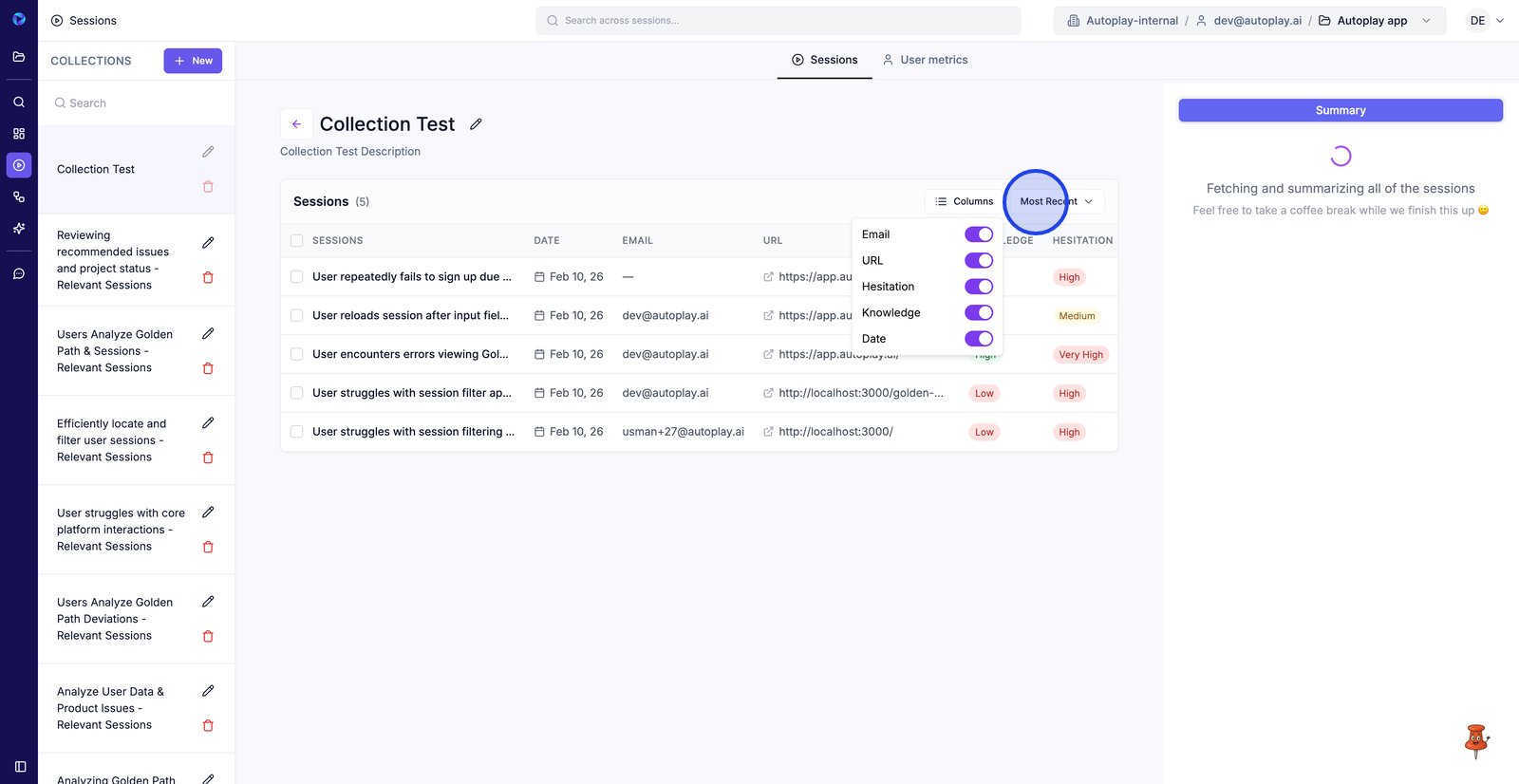
24. Open Columns to choose which fields you want visible while reviewing the collection.
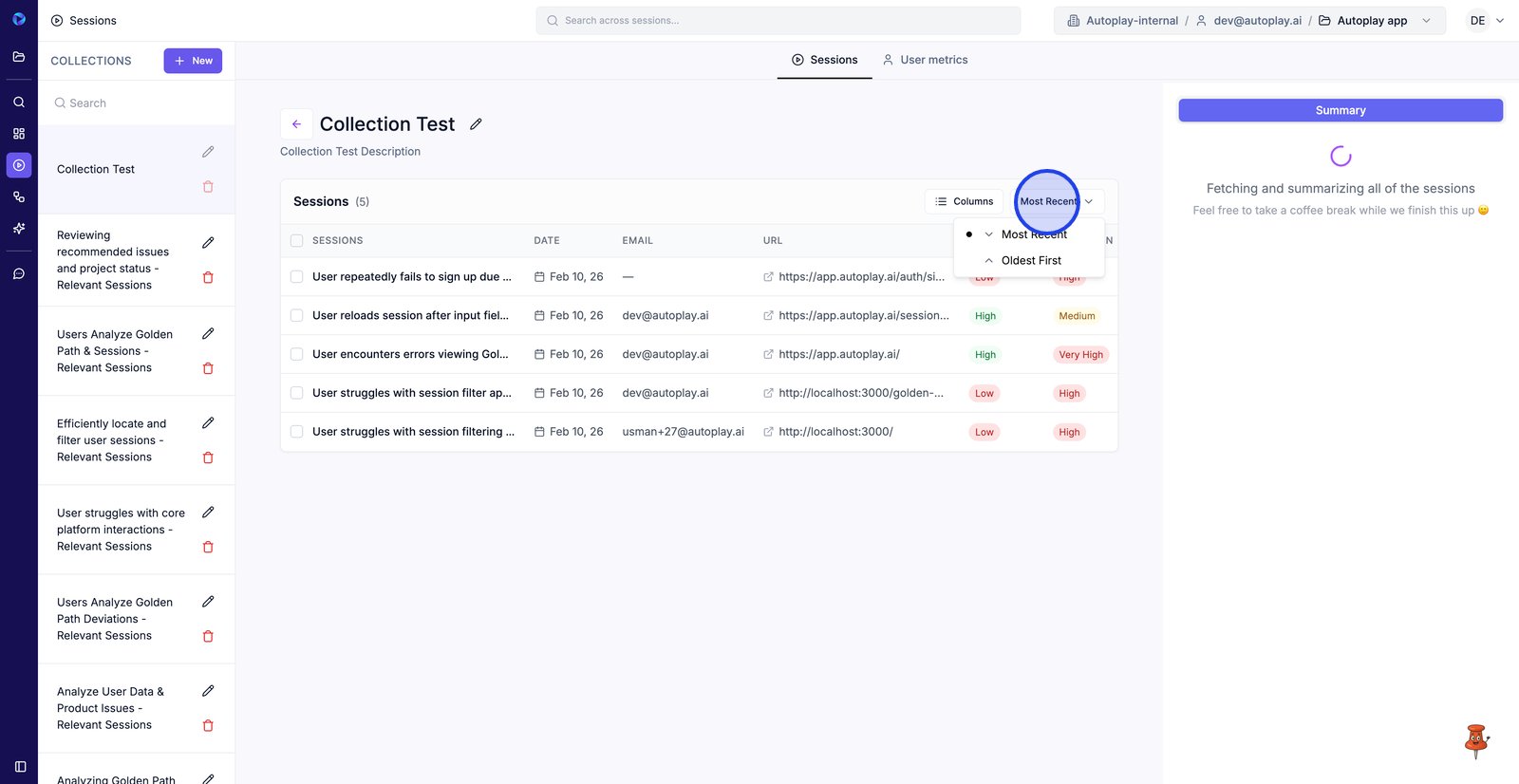
25. Open the sort menu to change the order of sessions in this list.
26. Pick a sort option (like Most Recent or Oldest First) to review sessions in your preferred sequence.
27.