🧐 Why this step?
Your copilot needs 2 things to personalise:
- A live feed of what the user is doing now
- A memory of what they’ve done before
🔗 This step connects both.
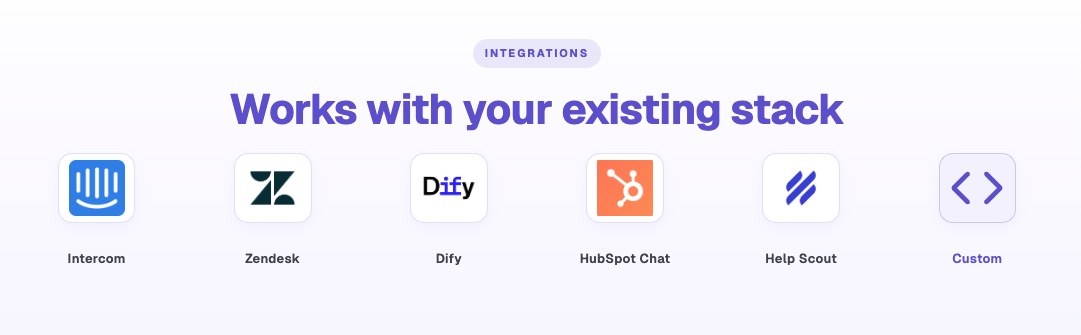
Autoplay integrates with any copilot — Intercom, Dify, Botpress, or your custom build.
👉 See the setup recipes to connect.
🛜 What you're connecting
- ⚡ Real-time events — stream live actions to your copilot via the SDK → it always knows where they are + what they’re doing
- 🧠 User memory (beta) — per-user history from Atlas session labels → full record of completed vs. not workflows. Request access